Back Office User Interface Update
Description
The Back Office user interface (UI) for Essentials Suite and Restaurant Solutions has been updated
What's in this article?
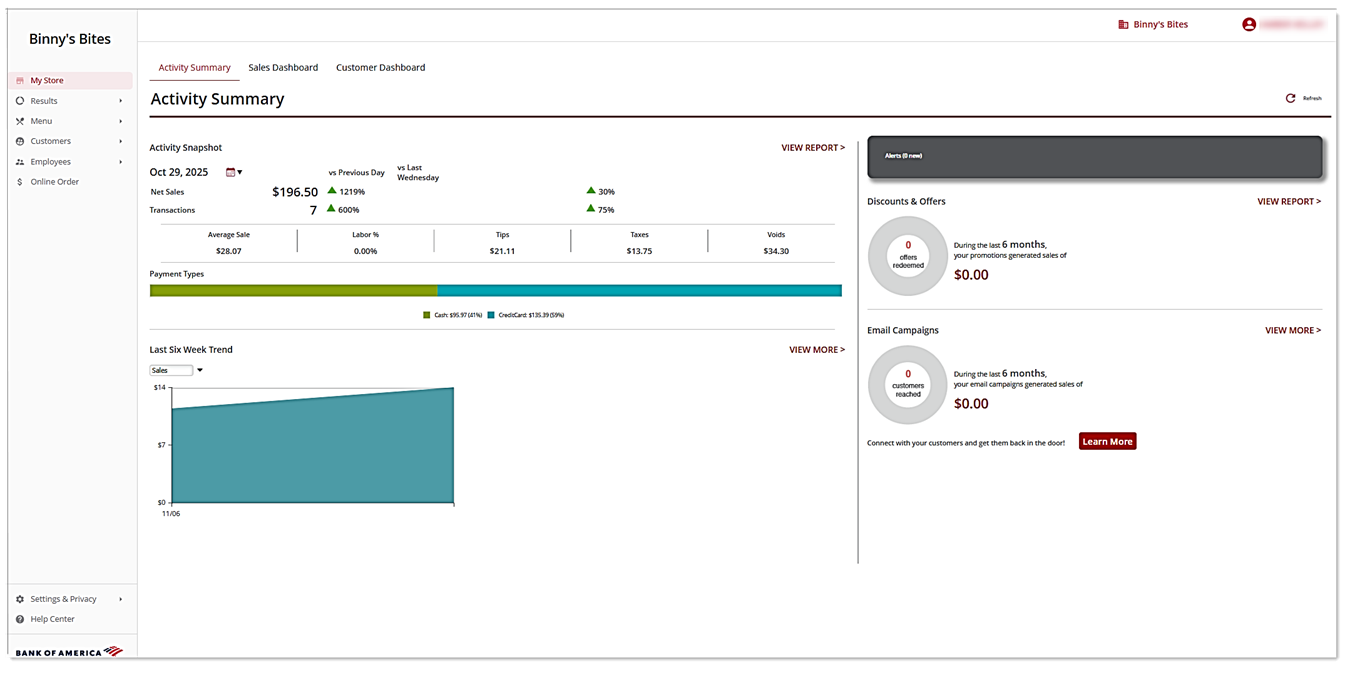
The Back Office has been updated to provide improved navigation and larger screen room. You can now find the navigation tabs on the left side of the screen in the slide out menu ☰. The Settings feature is now Settings and Privacy. This feature along with Help has also moved to the left navigation. Names and functionality remain the same, only the location has changed.
NOTE:
Other Back Office related articles may contain images showing the old navigation format.
Previous view (tabs located at the top of the screen)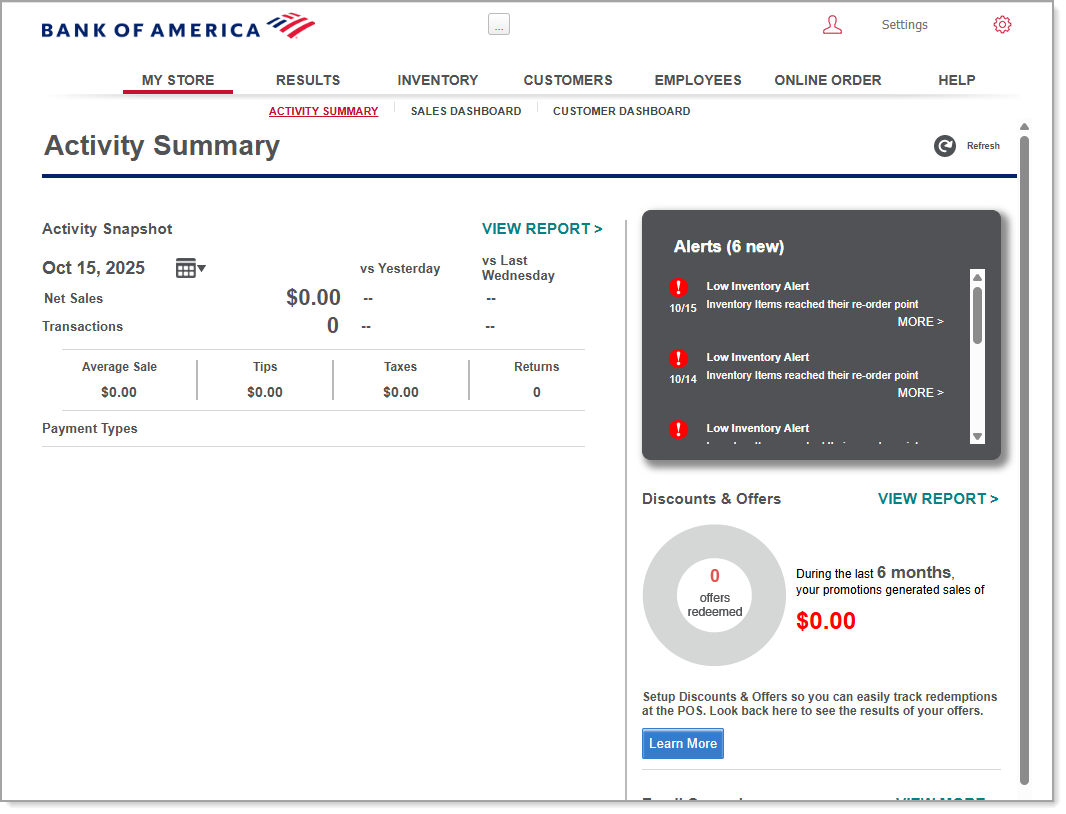 New view: Essentials/Retail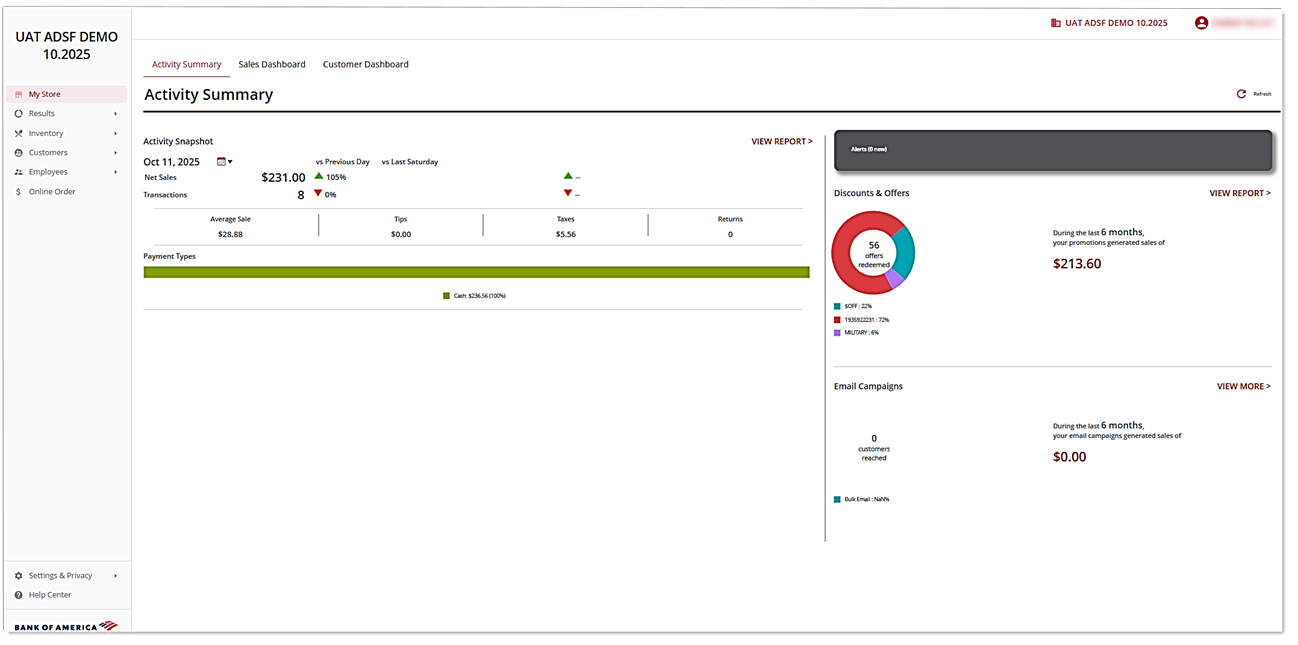
New view: Restaurant