Basic Payment Solution - Medical Card Verification
Description
How to verify that a card is valid using Basic Payment Solution - Medical
What's in this article?
Solution: Basic Payment Solution - Medical
Use the Verify Card option to verify that a card is valid and active without charging the card.
IMPORTANT! Verifying a card ensures that the card is valid but does not guarantee availability of funds.
To verify a card
- Select the Transaction Type > Verify card.
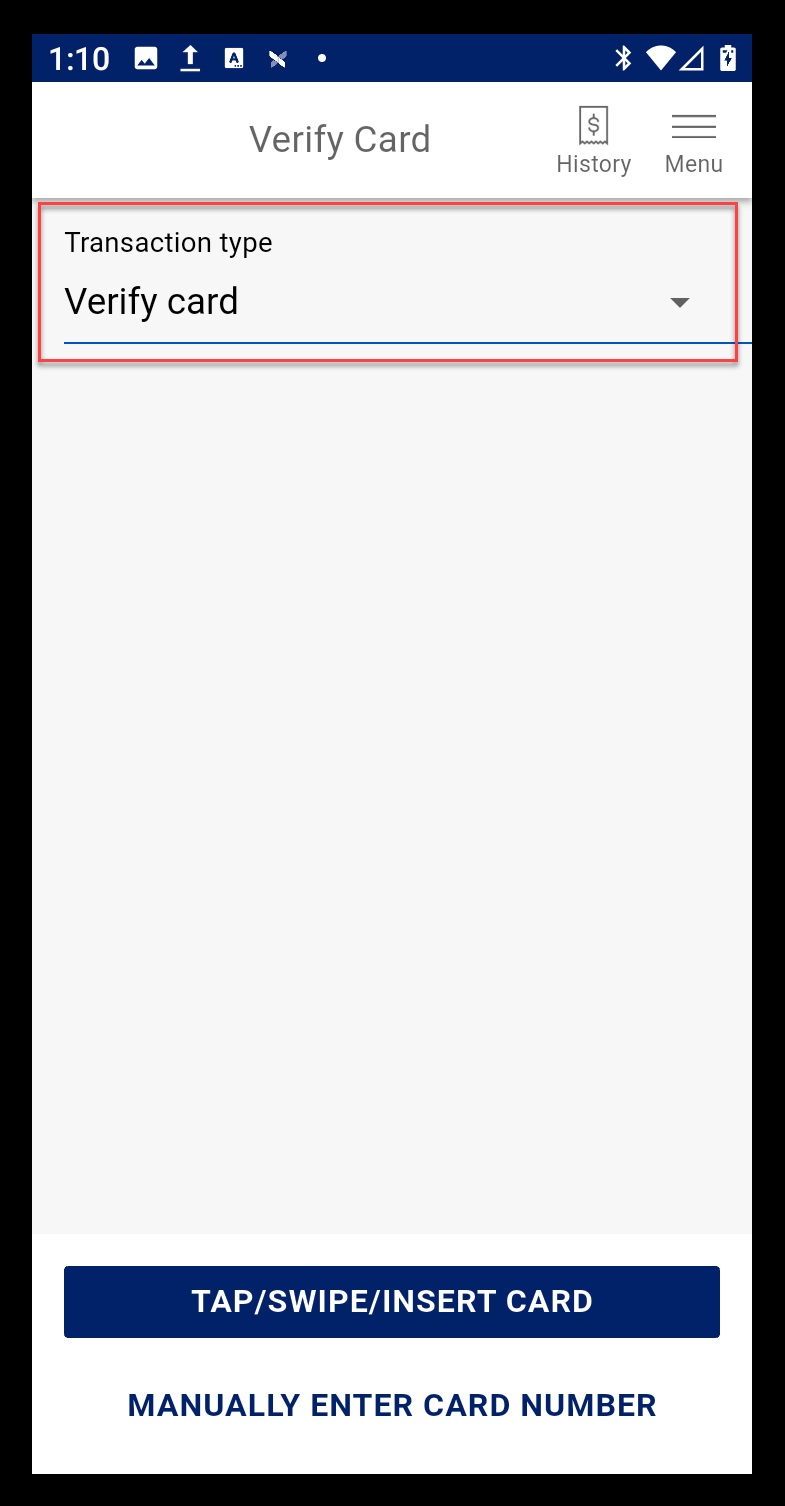
- Select Tap/Swipe/Insert Card or Manually enter card number for the card that you want to check.
- If prompted, enter the card PIN number, then tap Confirm.
NOTE: If you are using the PIN Pad A35, the customer enters the PIN number there.
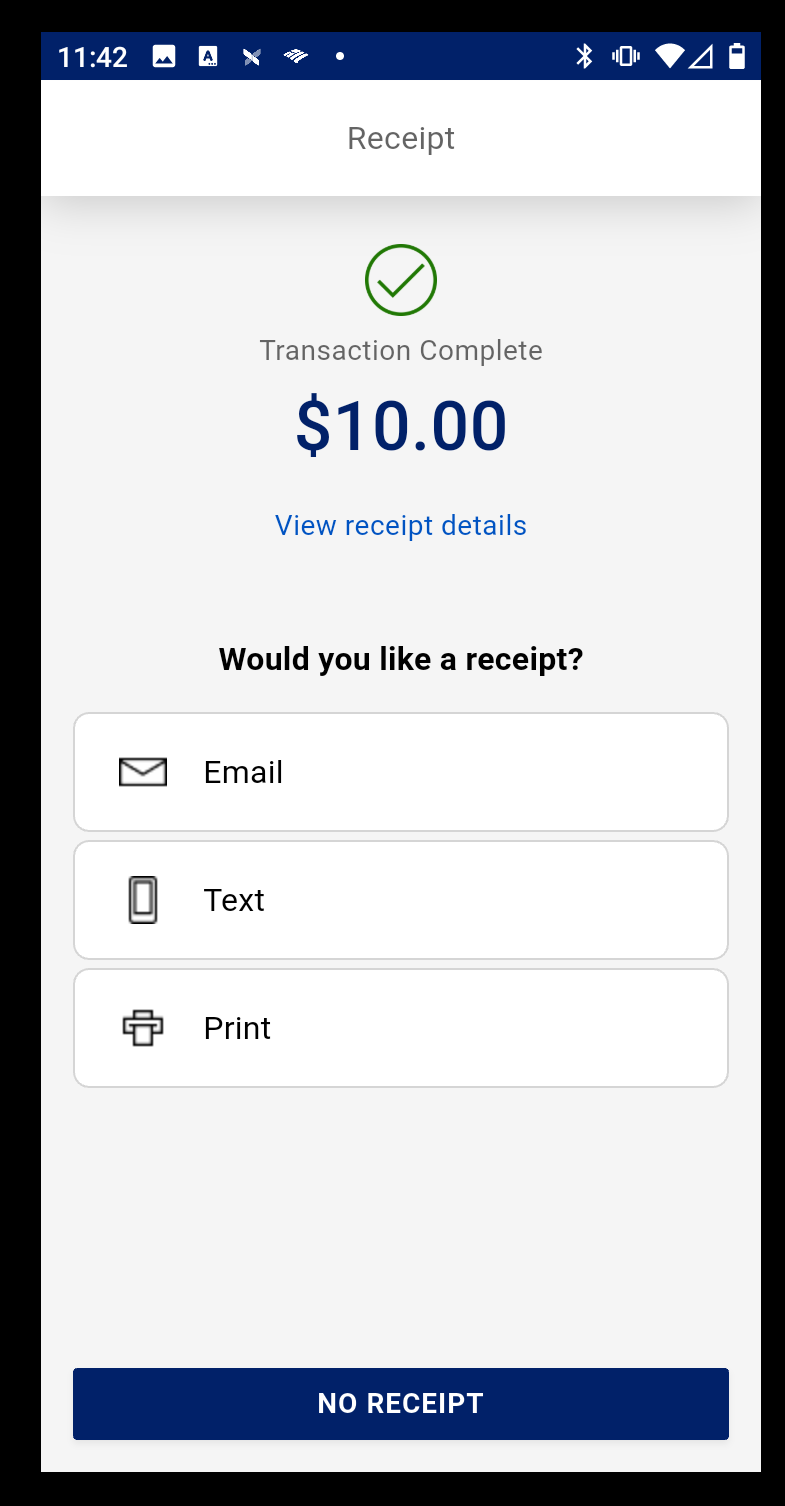
- Choose a receipt option or tap No Receipt to return to the main screen.