Basic Payment Solution - Medical Sales
Description
How to make a sale using Basic Payment Solution - Medical
What's in this article?
Solution: Basic Payment Solution - Medical
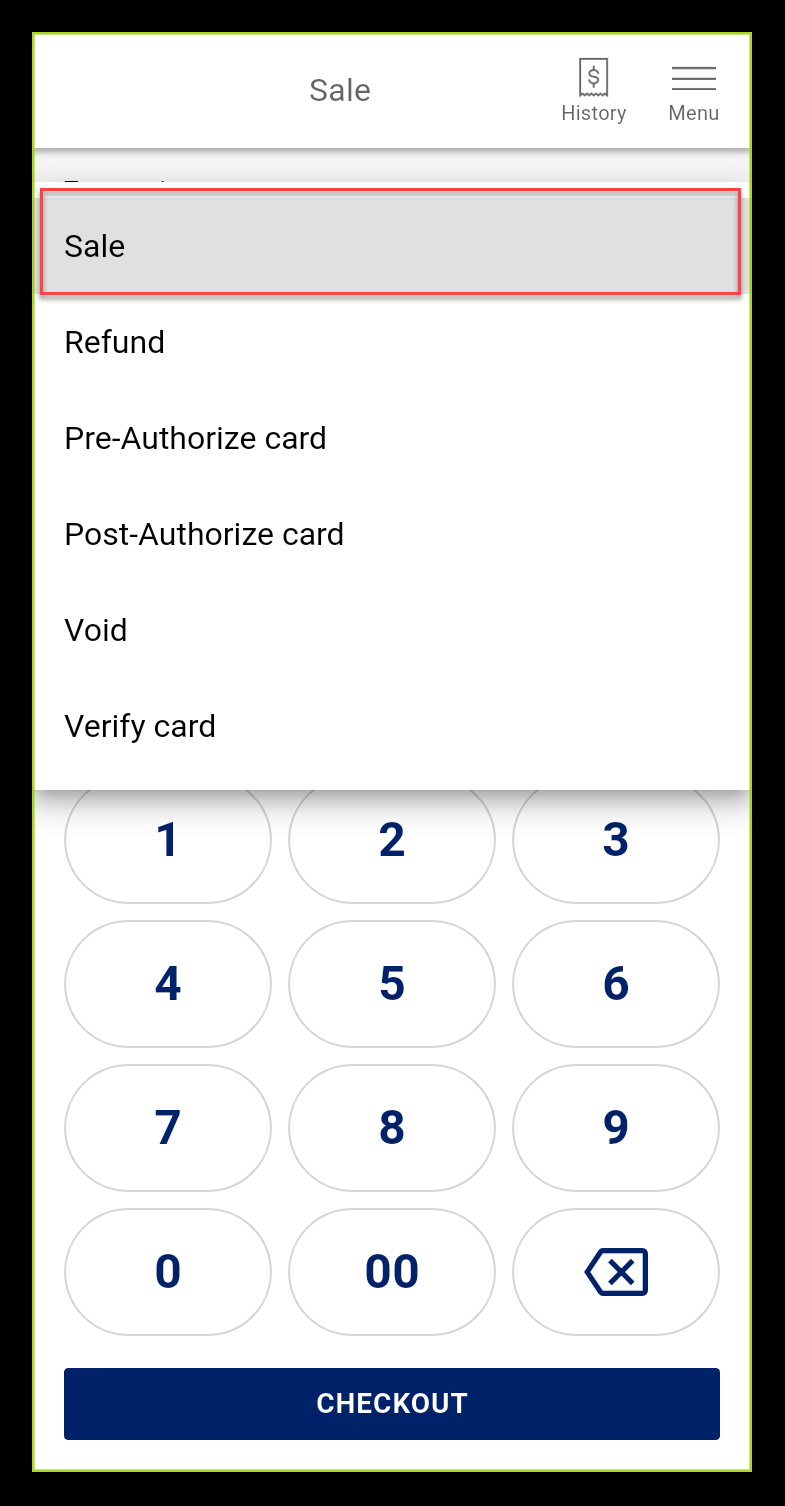
The Sale screen is the default screen for Basic Payment Solution - Medical. Enter the amount for the sale, including tax, and then take a card payment using this option.
To make a sale
- Confirm that Sale is the active Transaction Type. If not, select it from the dropdown list.
- Enter the amount of the sale including the tax, if applicable.
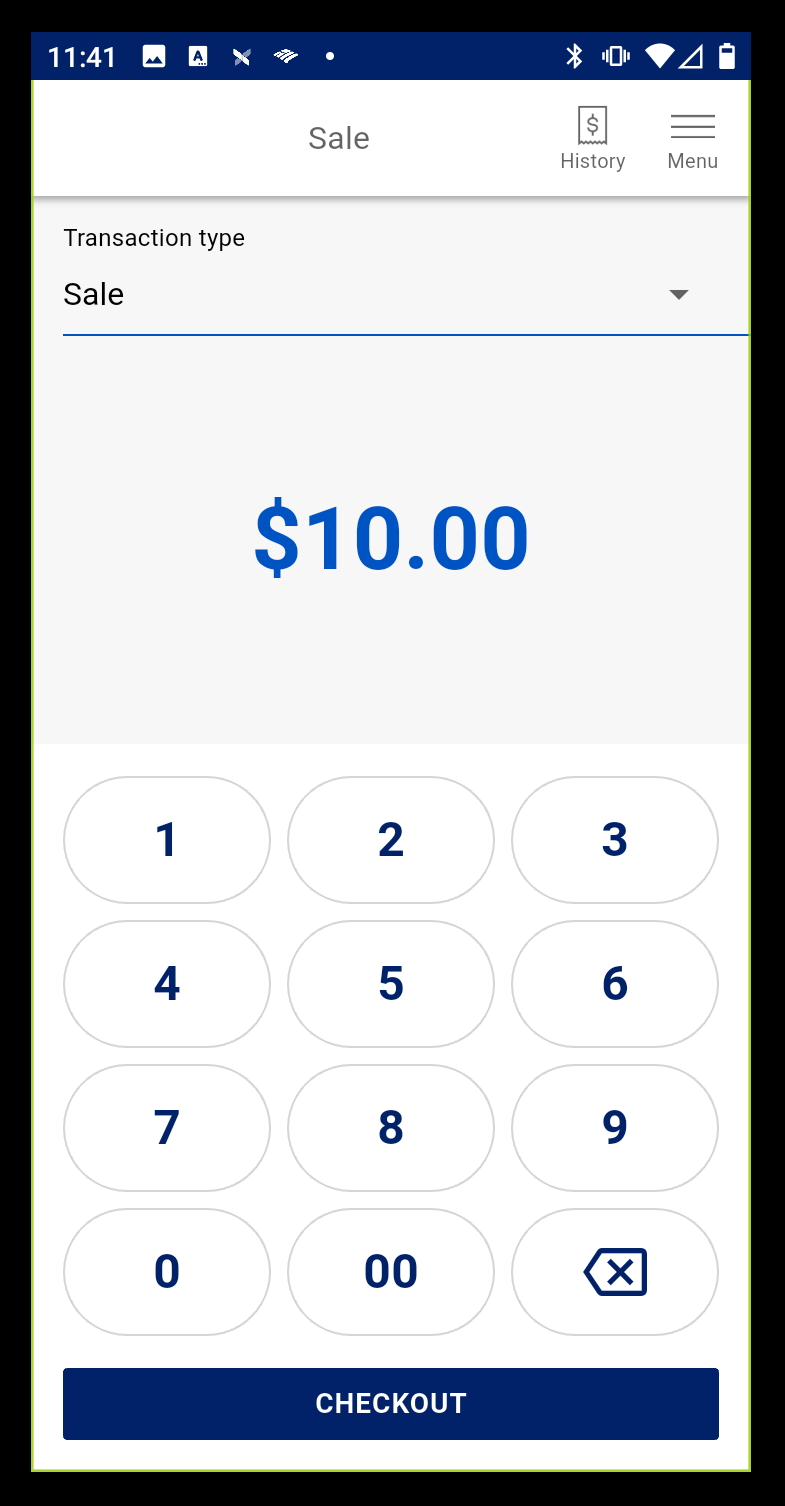
- Tap Checkout.
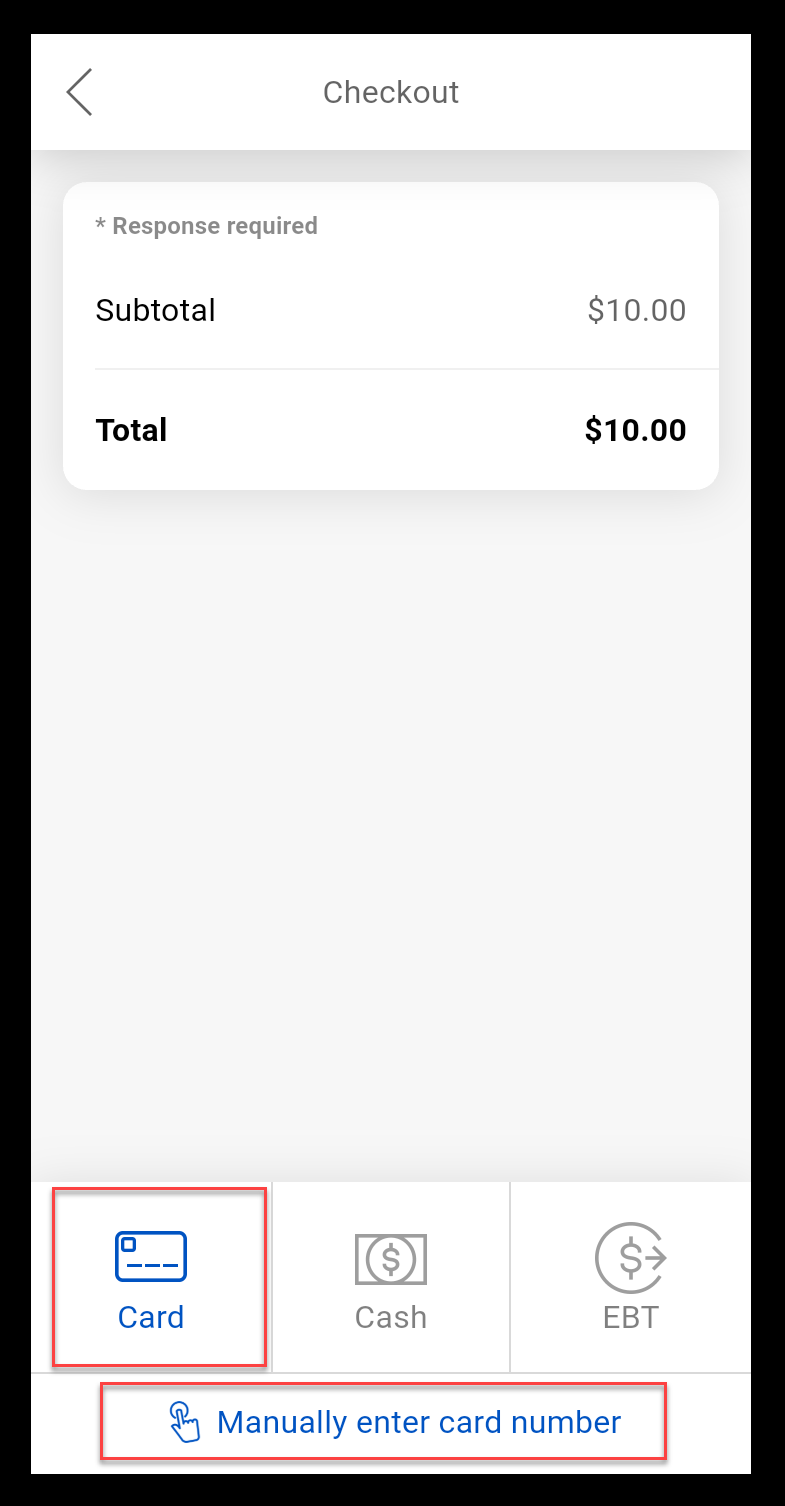
- Tap Card or Manually enter the card number if the card is not available.
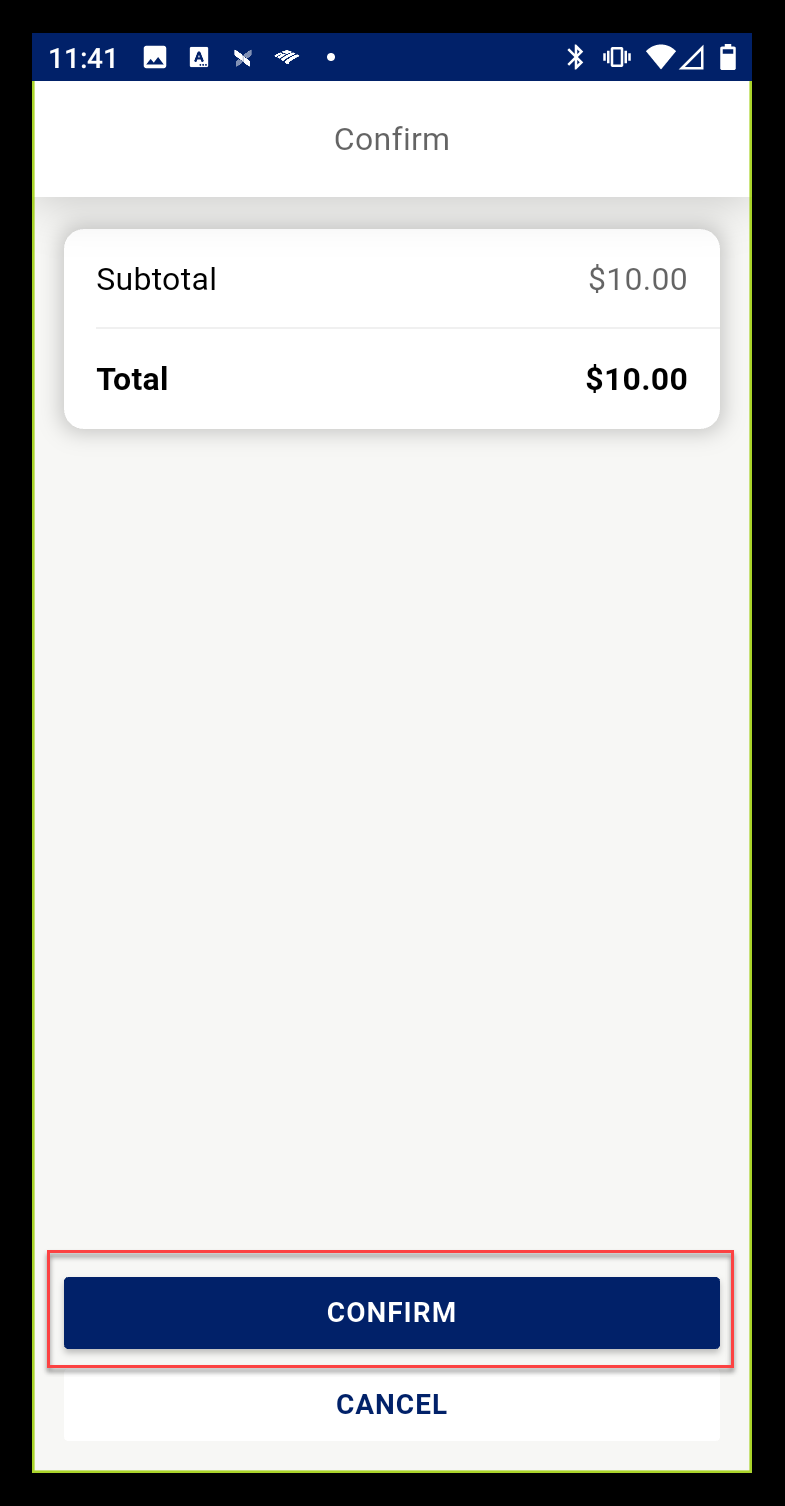
- Review the information, then tap Confirm.
- Follow the onscreen prompts to take the payment.
NOTE: Cash and EBT are not available.
- If prompted, enter the card PIN number, then tap Confirm.
- Choose a receipt option or tap No Receipt to return to the main screen.
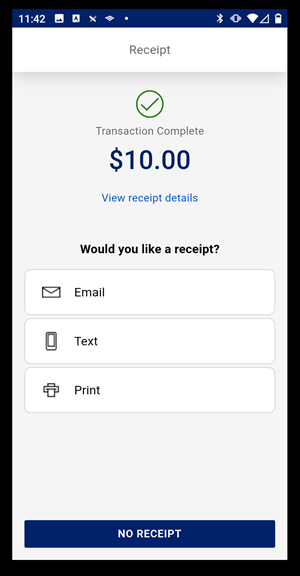
Text a receipt
- Select the Text receipt option.
- Enter the phone number.
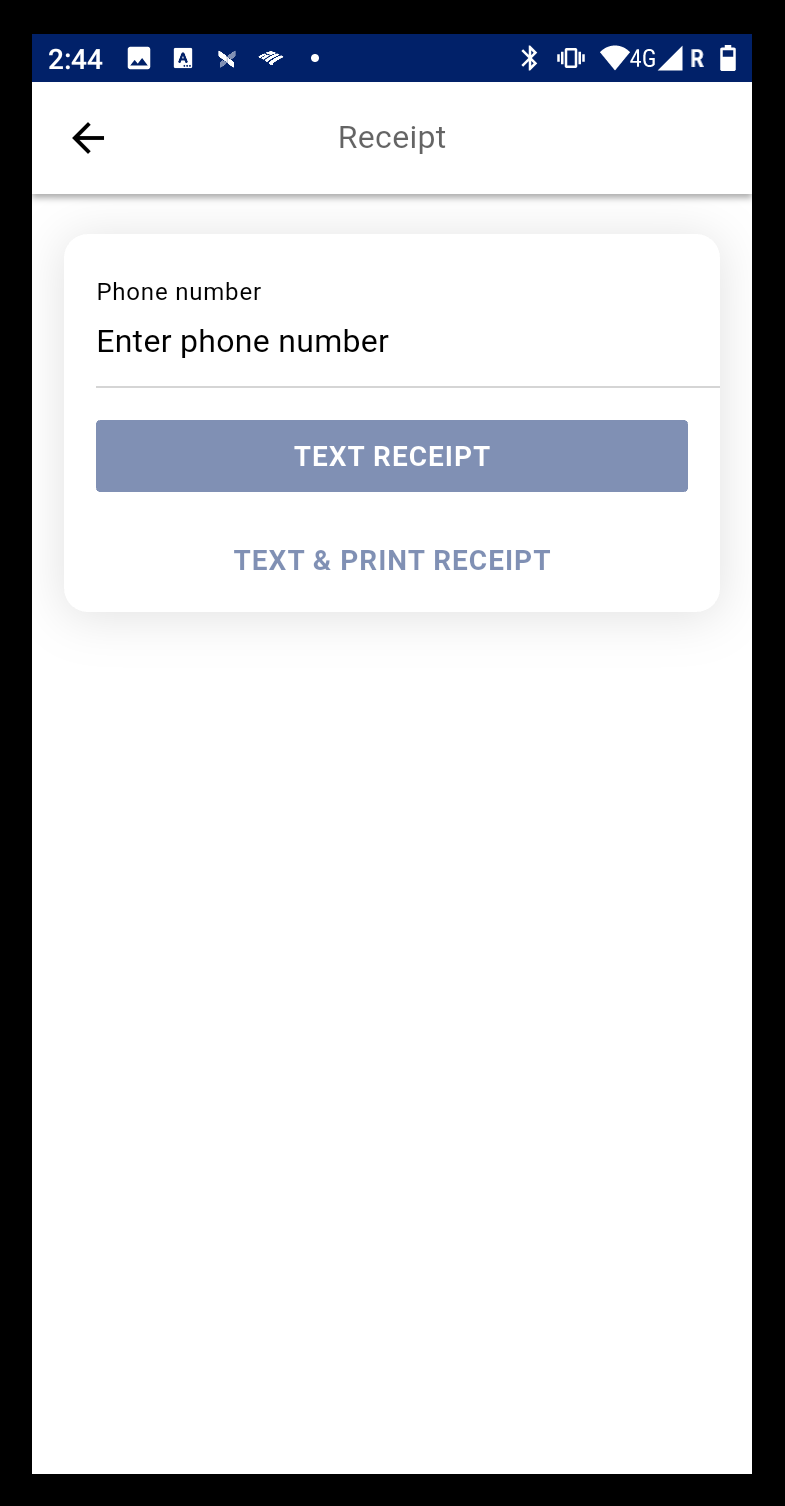
- Tap Text Receipt or Text & Print Receipt.
Email receipt
- Select the Email receipt option.
- Enter the email address.
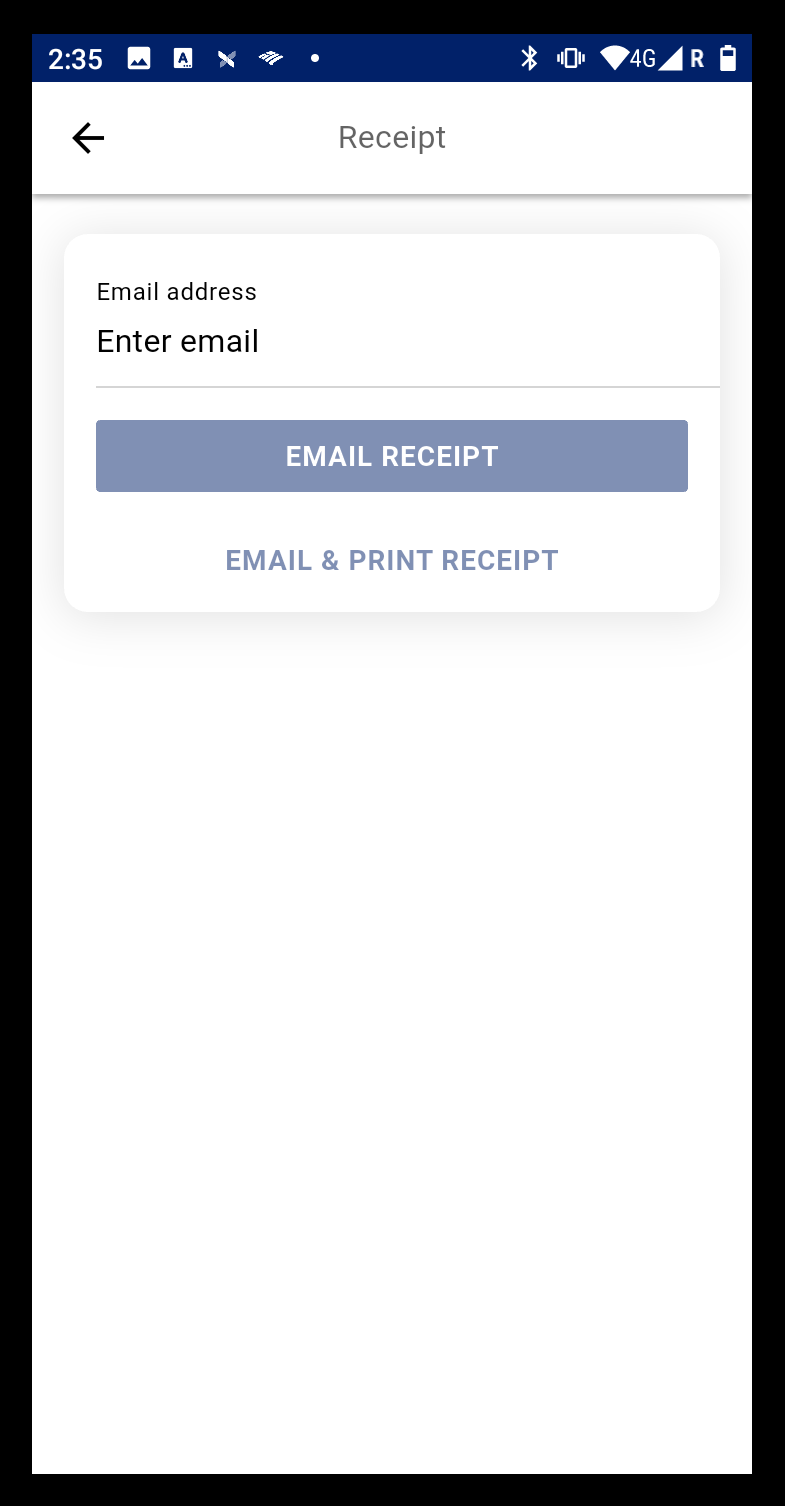
- Tap Email Receipt or Email & Print Receipt.