Basic Payment Solution - Medical Authorizations
Description
What's in this article?
A credit card pre-authorization puts a temporary "hold" on the funds for the estimated amount of a transaction. The duration of the hold will depend on your Merchant Category Code (MCC), but in general the hold will last five to seven days. Once a credit card has been pre-authorized, the cardholder cannot spend this money elsewhere.
A pre-authorized transaction will not settle. It will show as a pending sale that will expire if the post-authorization is not completed. If the cardholder calls their card issuing bank during the hold period, the card issuer will confirm that a pre-authorization is holding funds on the cardholder's account. If the pre-authorization expires, the hold is released from the card.
Pre-authorizations on the terminal are valid until the batch closes at the end of the business day. If a pre-authorization will not be post-authorized on the same day, use your online Merchant account to complete the post-authorization.
To pre-authorize a transaction
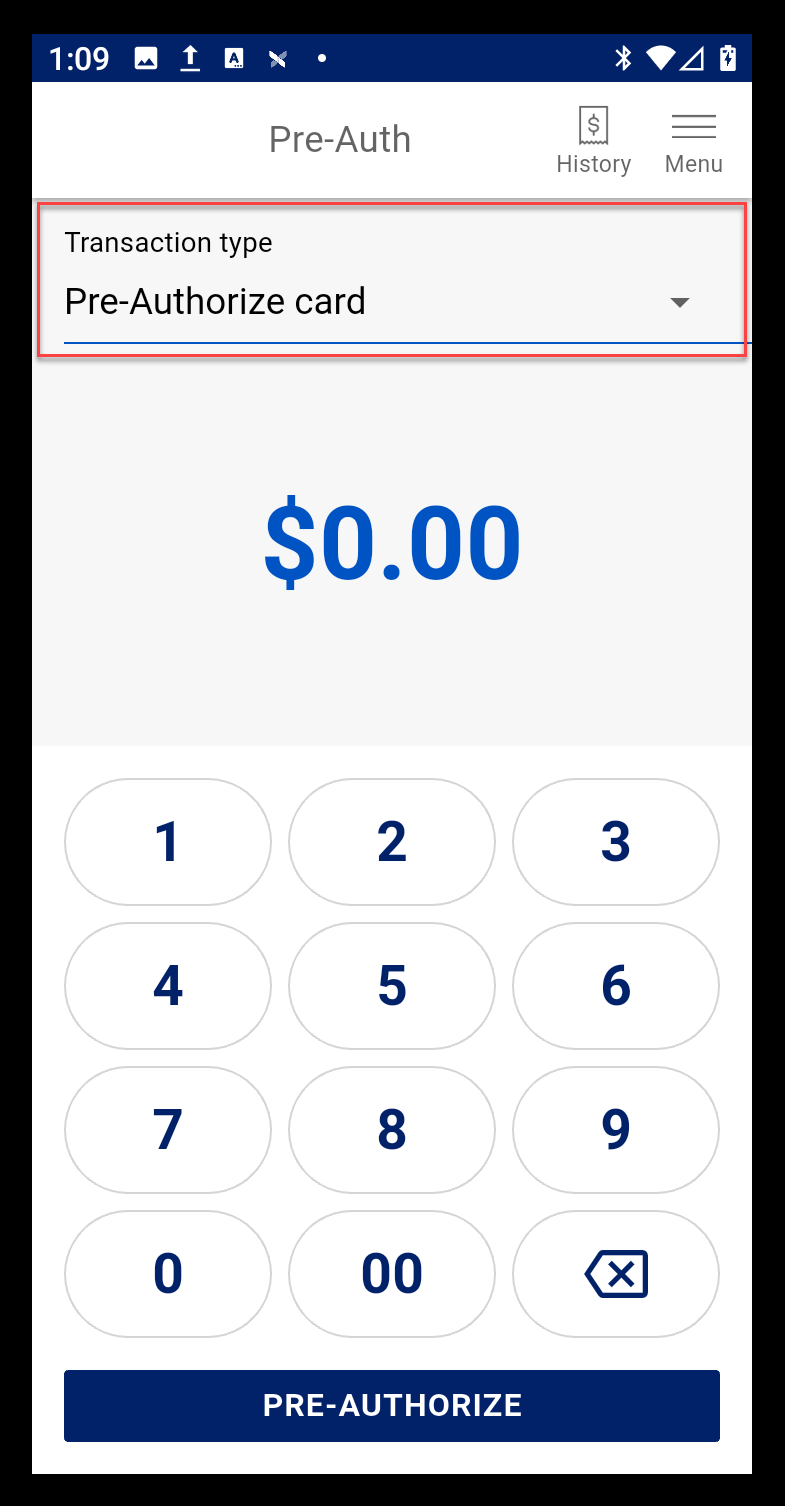
- Select Transaction type > Pre-Authorize card.
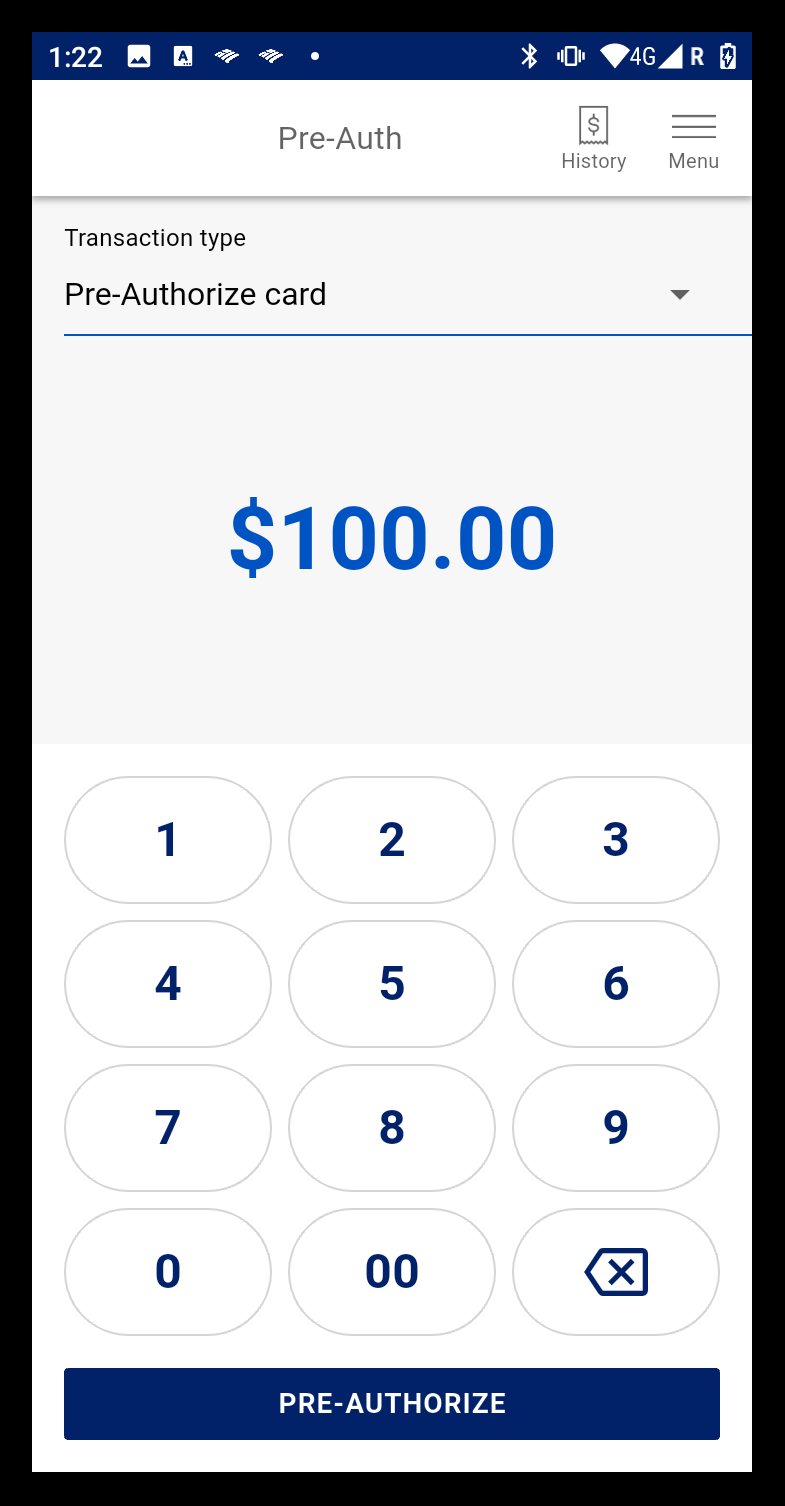
- Enter the amount to pre-authorize on the card, then tap Pre-Authorize.
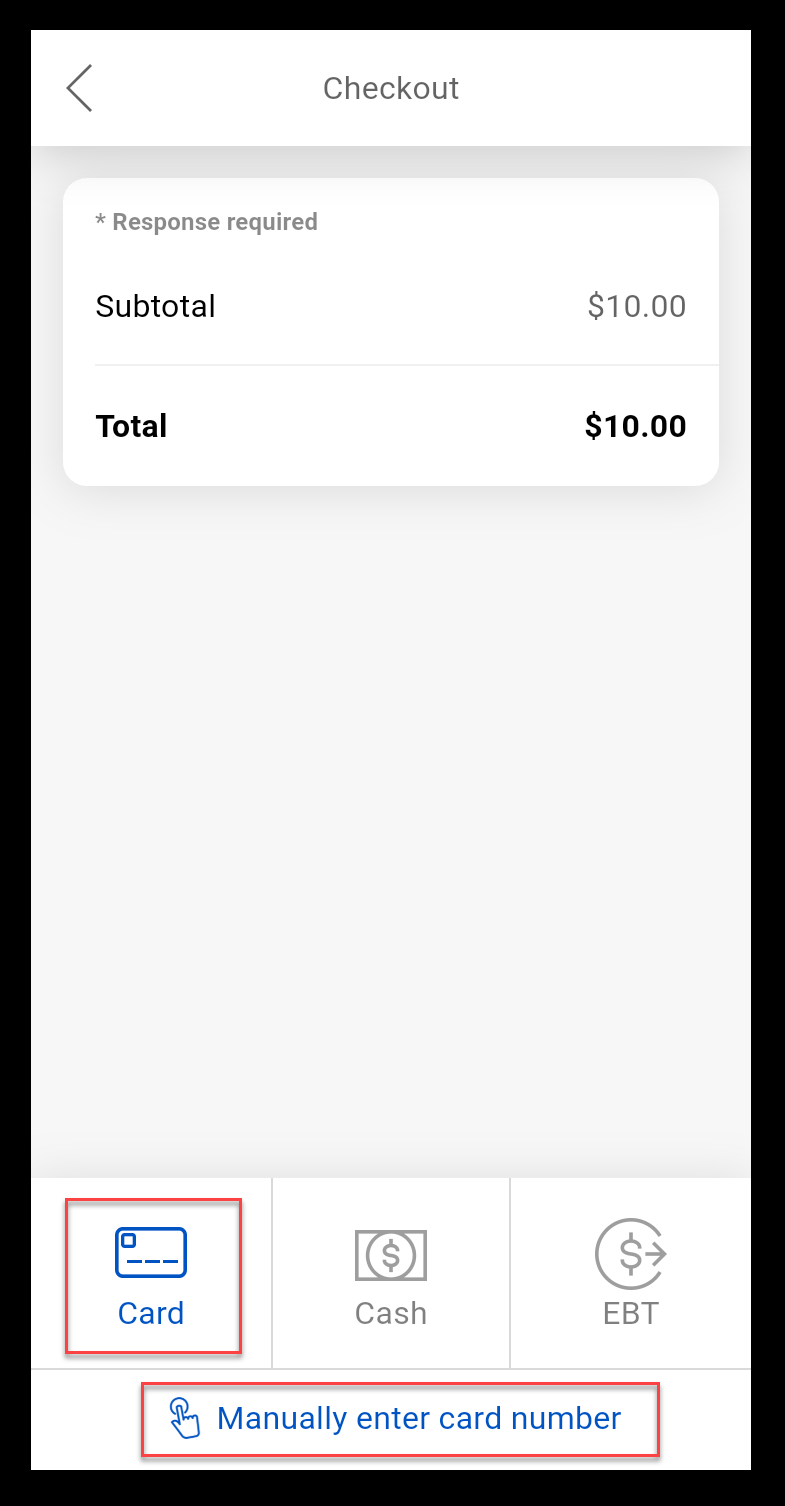
- Tap Card or Manually enter card number if the card is not available.
- Review the information, then tap Confirm.
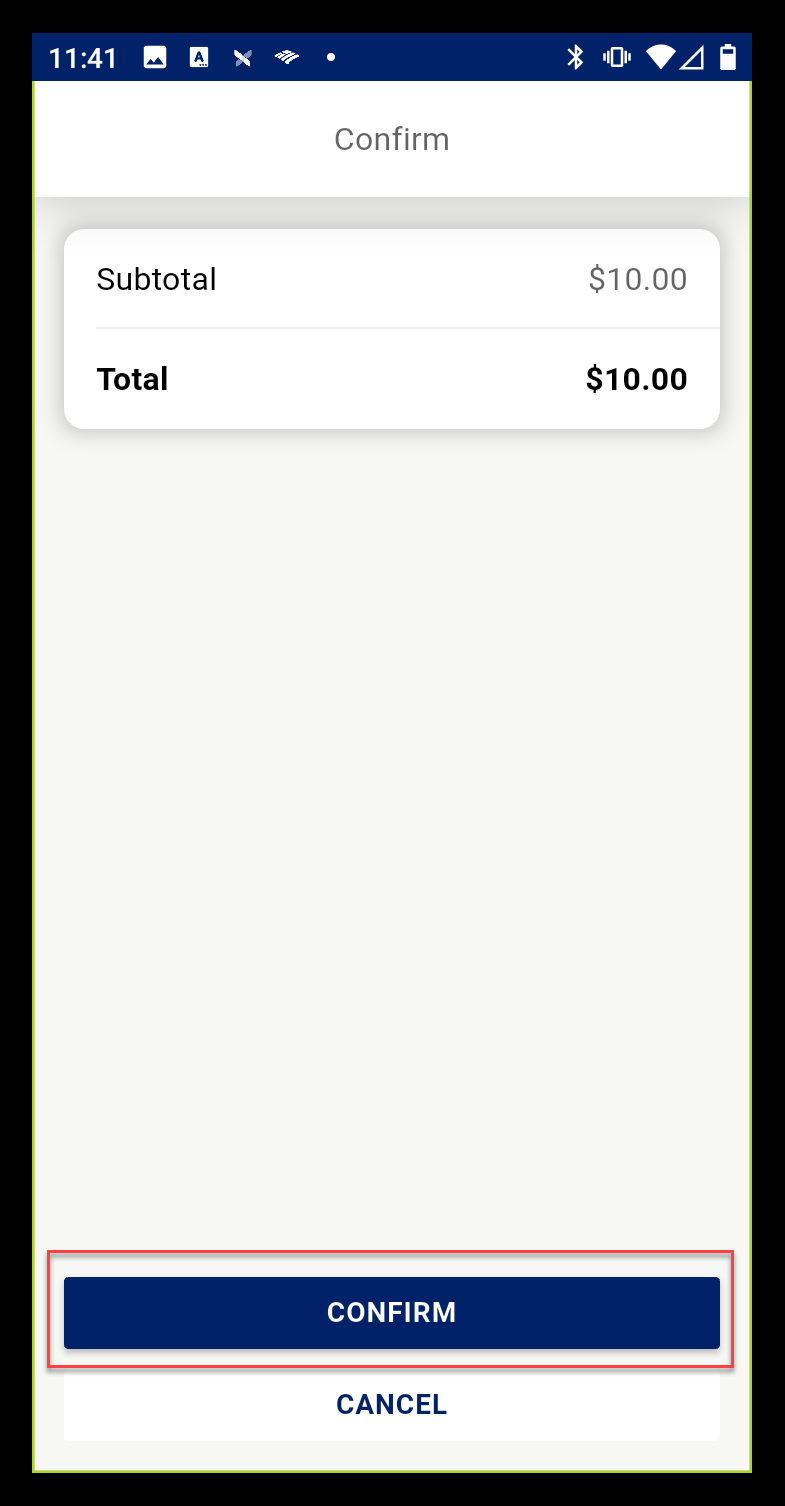
- Take the card information, following onscreen prompts. If manually entering the card information, indicate whether the card is present and then complete the card information fields.
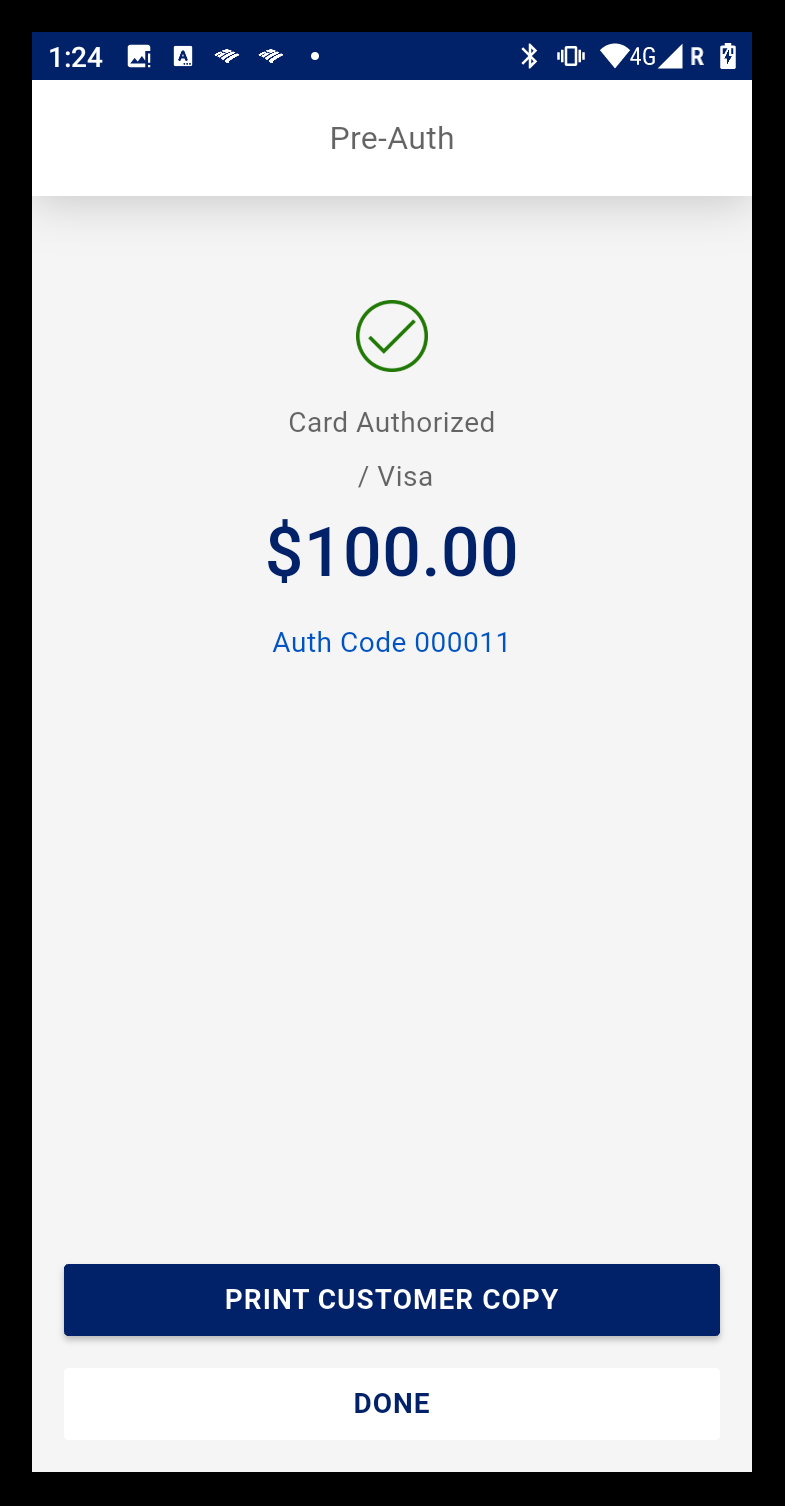
- When the Card Authorized screen displays, the merchant receipt will print. Tap Done to return to the main screen or tap Print Customer Copy to print an additional copy for the customer.
To post-Authorize a transaction
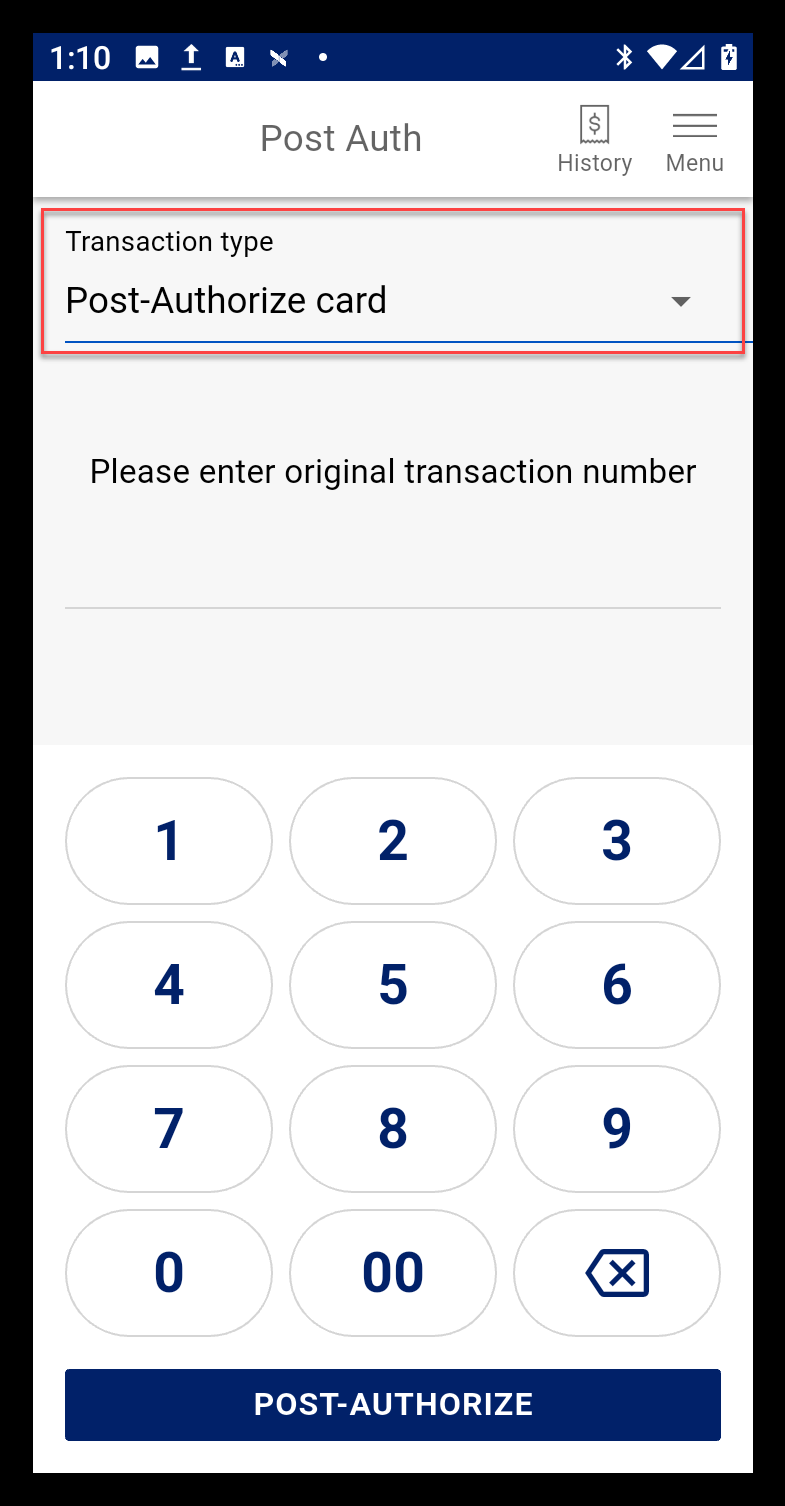
- Select Transaction type > Post-Authorize card.
NOTE: You can also post-authorize a transaction prior to batch settlement through Transaction History. After batch settlement, post-authorize through online banking Merchant account.
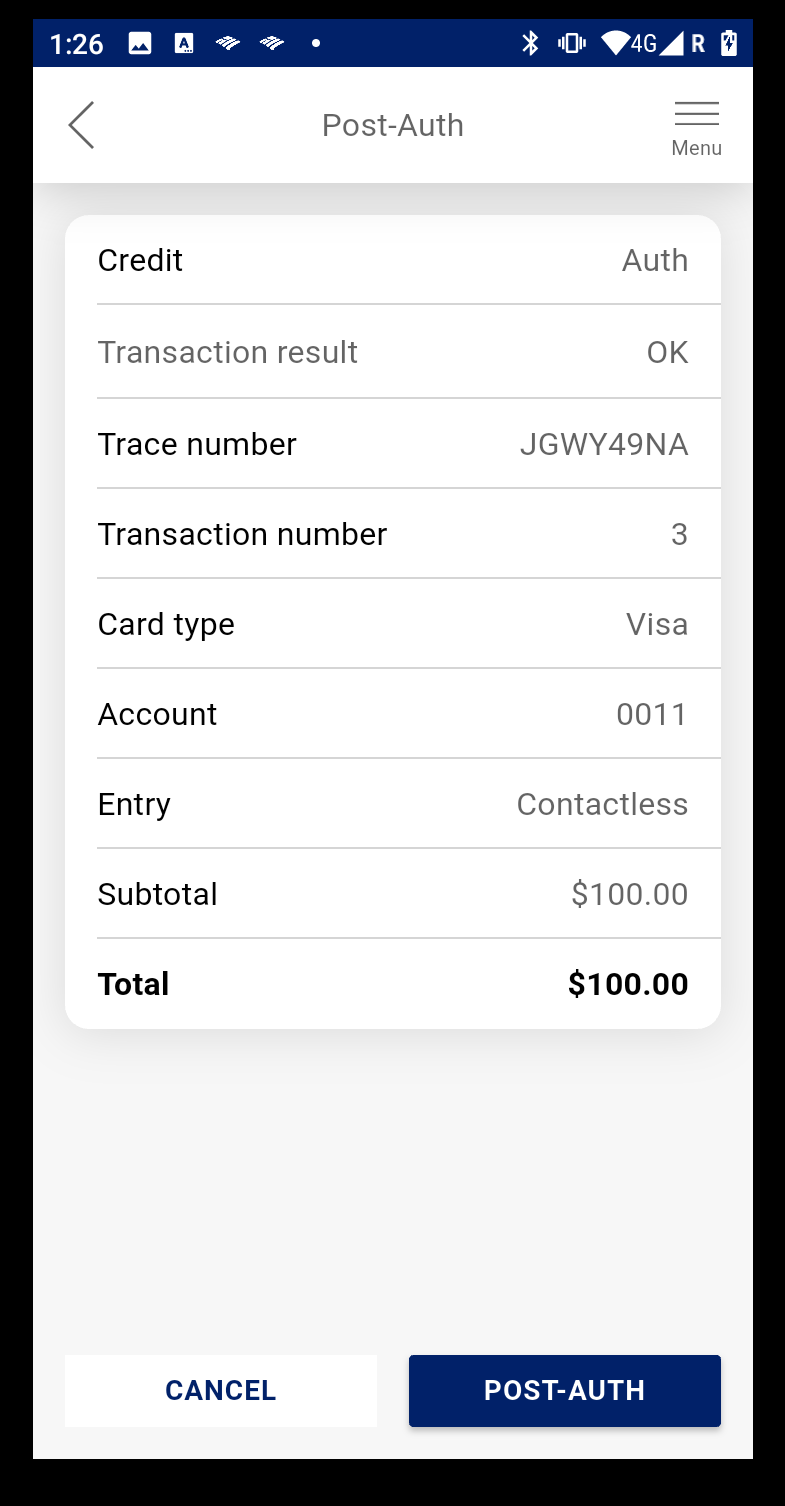
- Enter the original transaction number for the pre-authorization. The number is on the receipt for the pre-authorization.
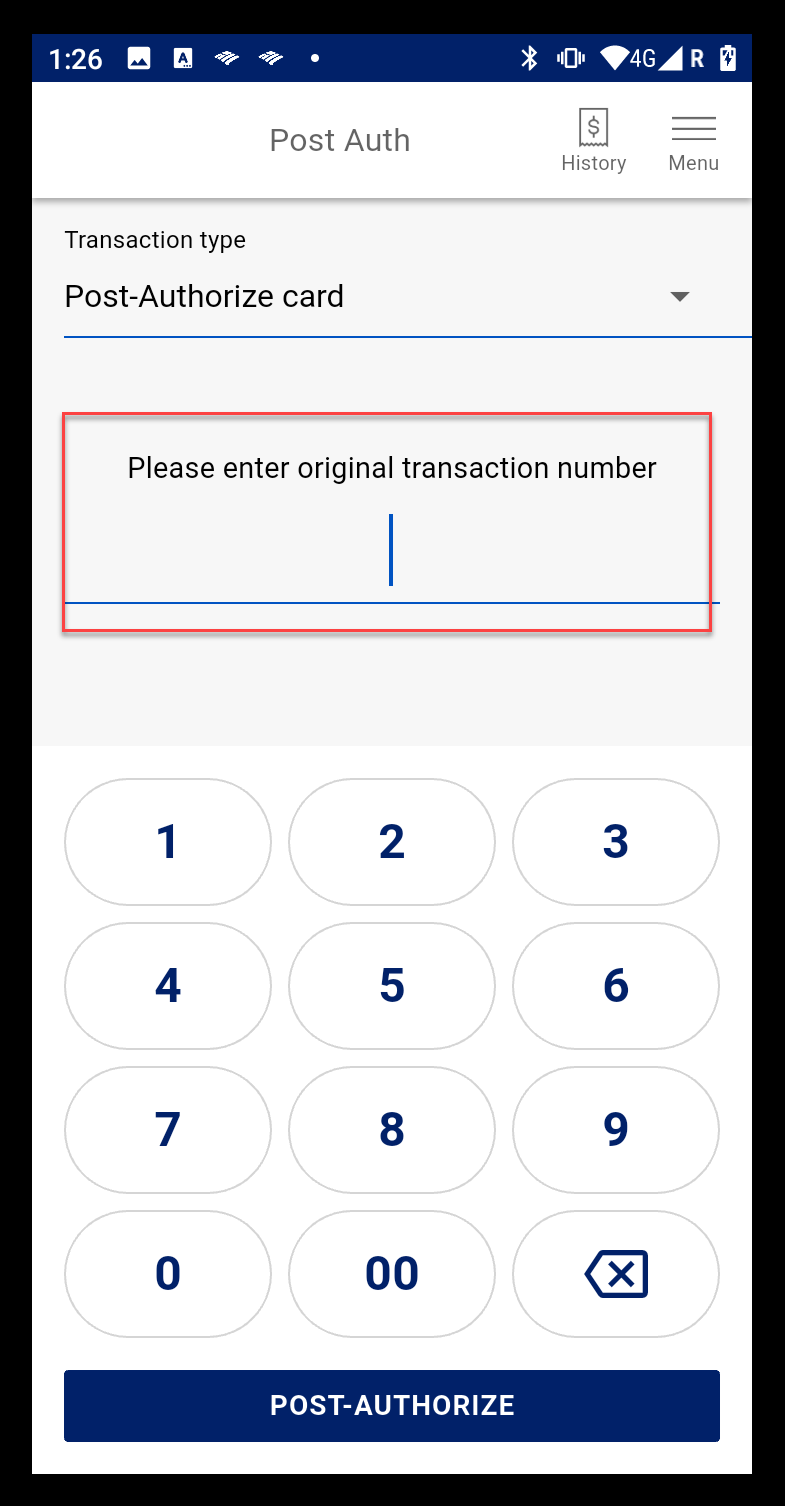
- Tap Post-Auth.
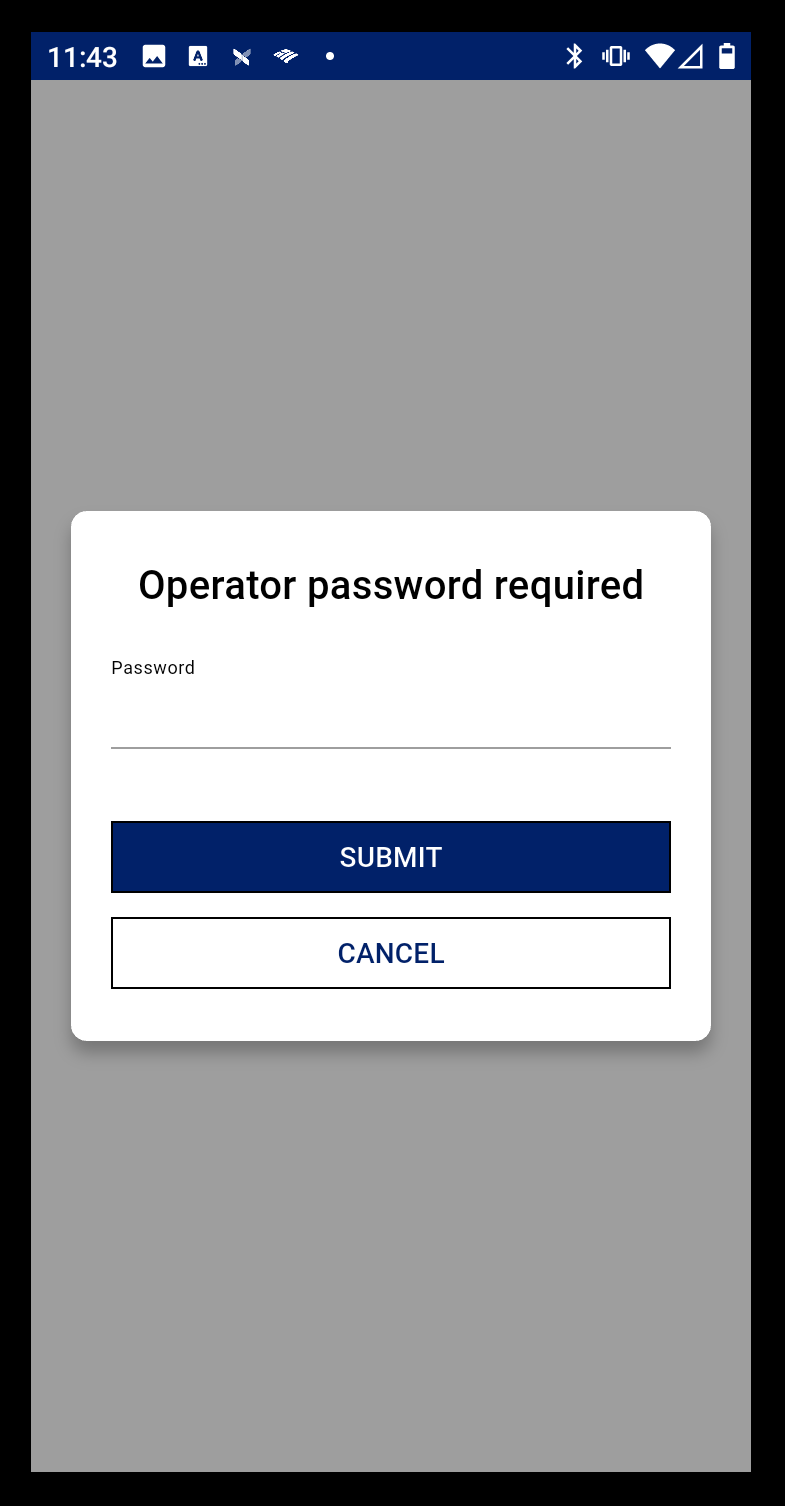
- Enter your user password.
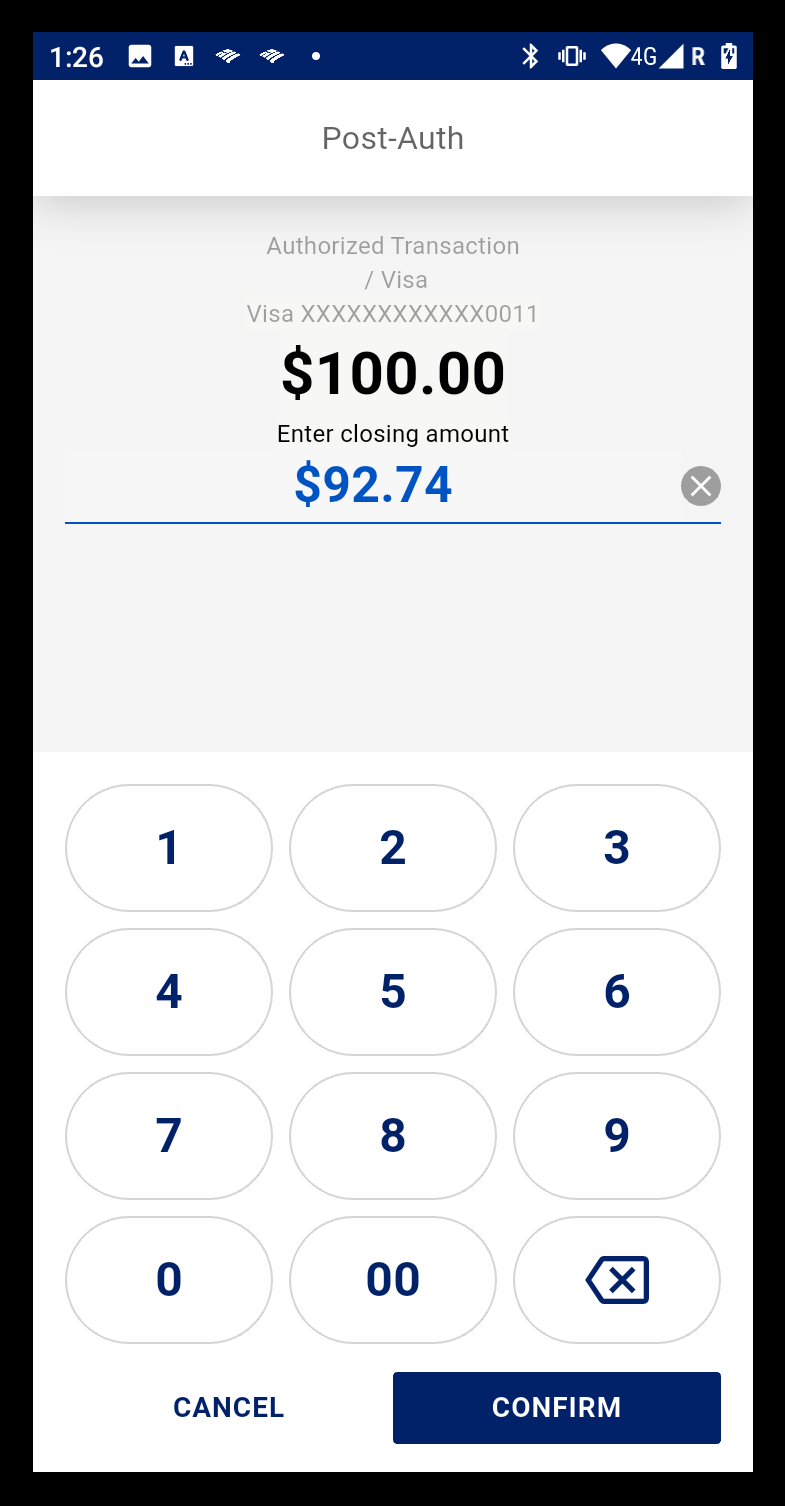
- Enter the closing amount for the post authorization.
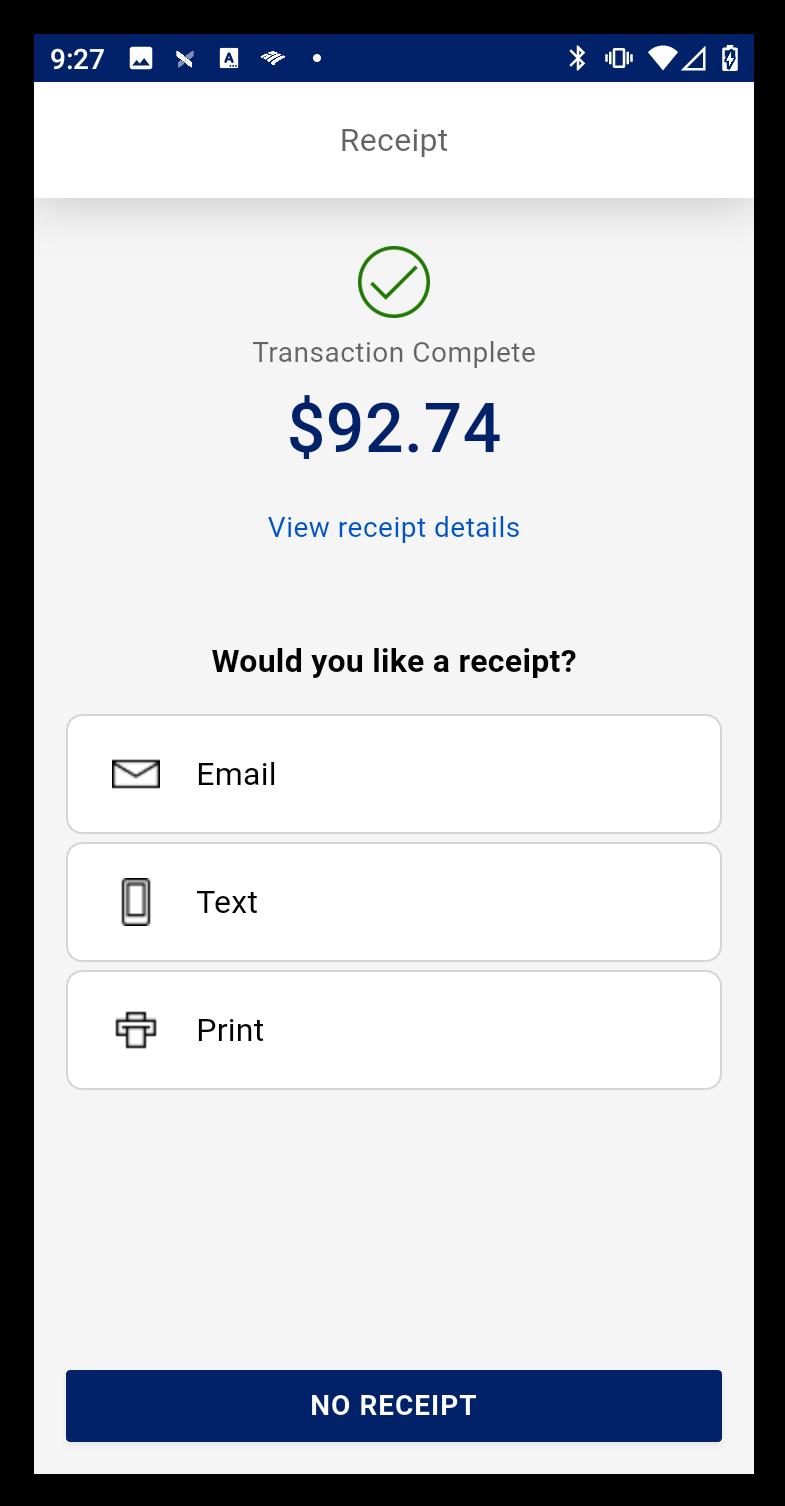
- When the post-authorization is complete, choose a receipt option or tap No Receipt to return to the main page.