Point of Sale Solution App Reports
Description
How to view and print reports on the Point of Sale Solution App
What's in this article?
Software Plan: Starter | Growth | Pro
The Point of Sale Solution's cloud-based reporting allows you to generate and view detailed reports from either the Point of Sale Solution application or from the Point of Sale Solution Back Office. The reports available in the Point of Sale app are the same reports that are available in Point of Sale Solution Back Office.
NOTE:
Report availability is dependent upon the software package you have chosen for your merchant account. Reporting access is dependent upon permissions set for an individual employee or job role.
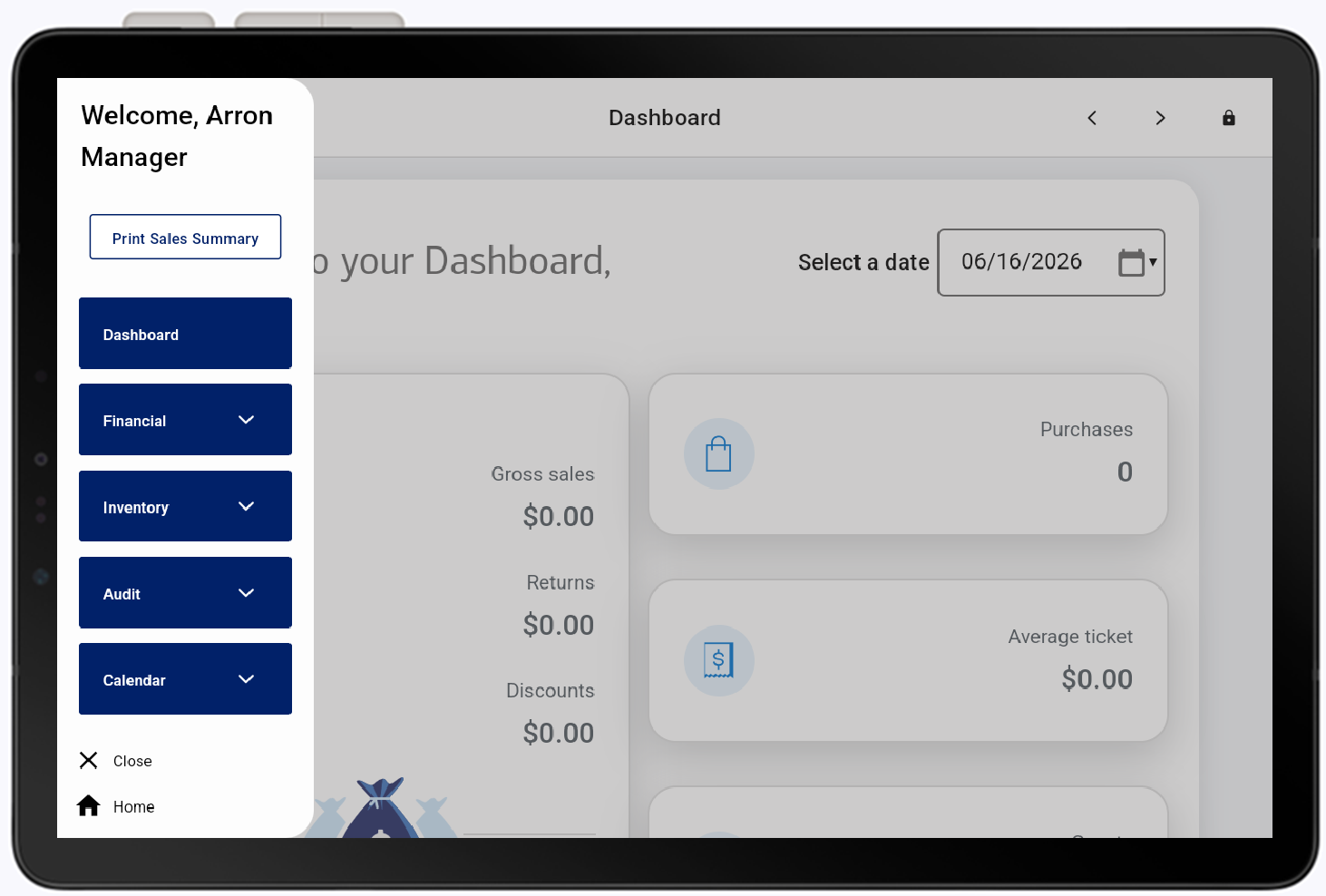
Report | Description |
|---|---|
Sales Summary | Provides a sales summary overview for the selected day of a store’s financial performance and activity across all devices. It includes key metrics such as total sales, orders, refunds, and payment types, helping businesses monitor revenue, identify trends, and verify transaction accuracy and operational performance. Tap Print Sales Summary, then select a date. The Sales Summary will print. 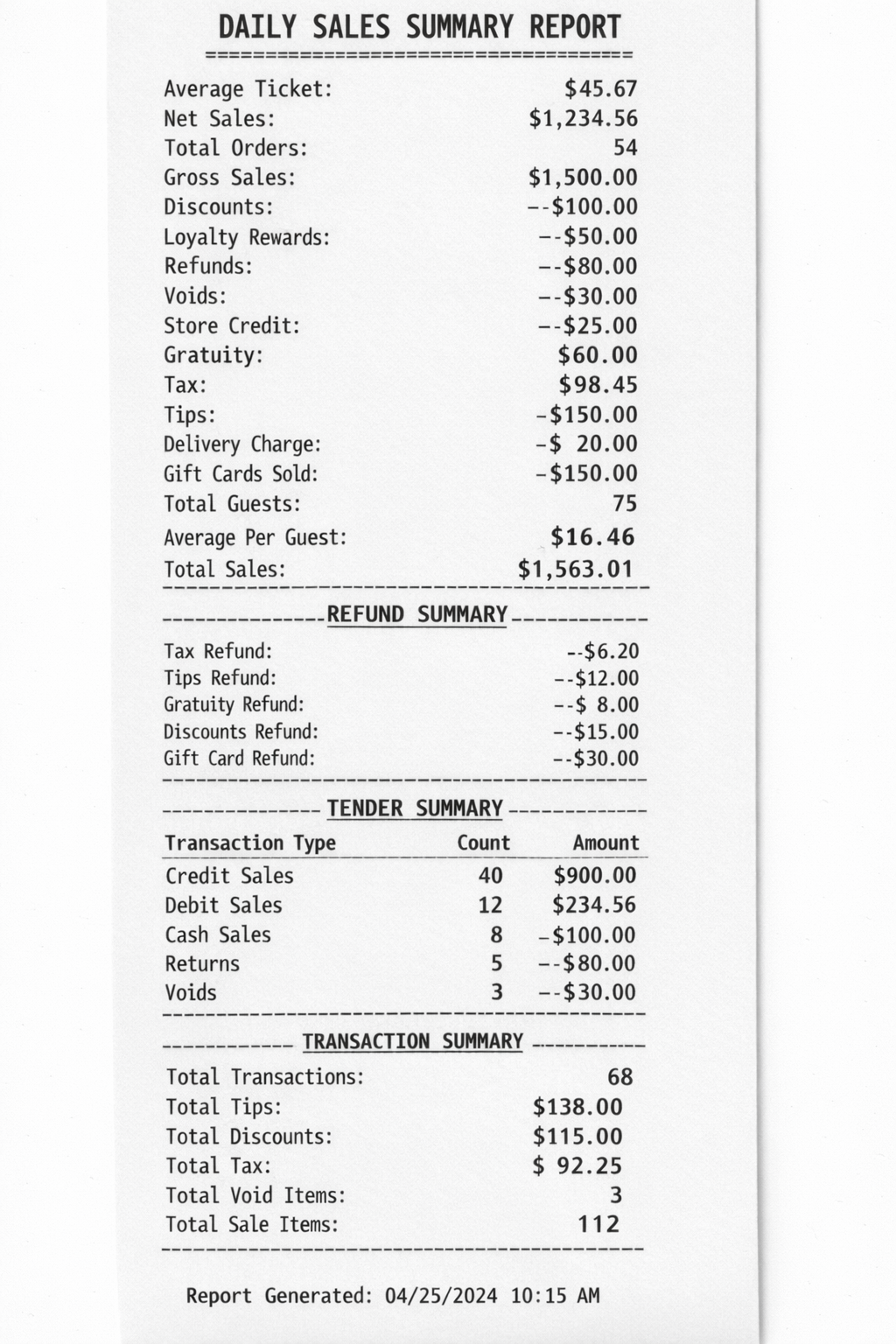 |
Dashboard | A snapshot overview of sales activity for your selected store location. Data such as gross sales, returns, discounts, net sales, and average dollar per guest is calculated and displayed. |
Financial | Track sales, orders, payment type trends, sales by employee, and gift card activity. |
Inventory | Track inventory value and levels, identify best selling items, and manage reorder points. View Product Sold, Summary, Modifiers, Inventory Reorder, Inventory Value and Cost of Goods reports. |
Audit | Track discounts, return trends, employee tip activity. |
Calendar | Track scheduled and completed orders. View Scheduled and Completed appointments. |
To learn more about each report and its availability by software plan, see Point of Sale Solution Back Office Reports Overview.