Basic Payment Solution - Medical Offline Mode
Description
What's in this article?
Offline Mode allows you to continue accepting payments during power or internet outages, or in situations where connectivity is unreliable. It helps maintain a seamless checkout experience, even during what otherwise would be considered downtime.
Offline Mode transactions are securely stored on the device and then transmitted for authorization when the device is back online.
When to use Offline Mode:
- As a backup method in case of an outage
- For mobile businesses operating outside of reliable Wi-Fi or cellular range
If internet connection is lost or unstable, the Offline Mode prompt appears. You can also manually switch to Offline Mode by disabling Wi-Fi. Transactions processed in Offline Mode are held until connection returns, when you can upload them for processing.
WARNING!
Offline mode processing may increase your risk of chargebacks and fraud. Offline mode transactions do not receive an authorization at the time of the sale. You will be responsible for declined or partial payments.
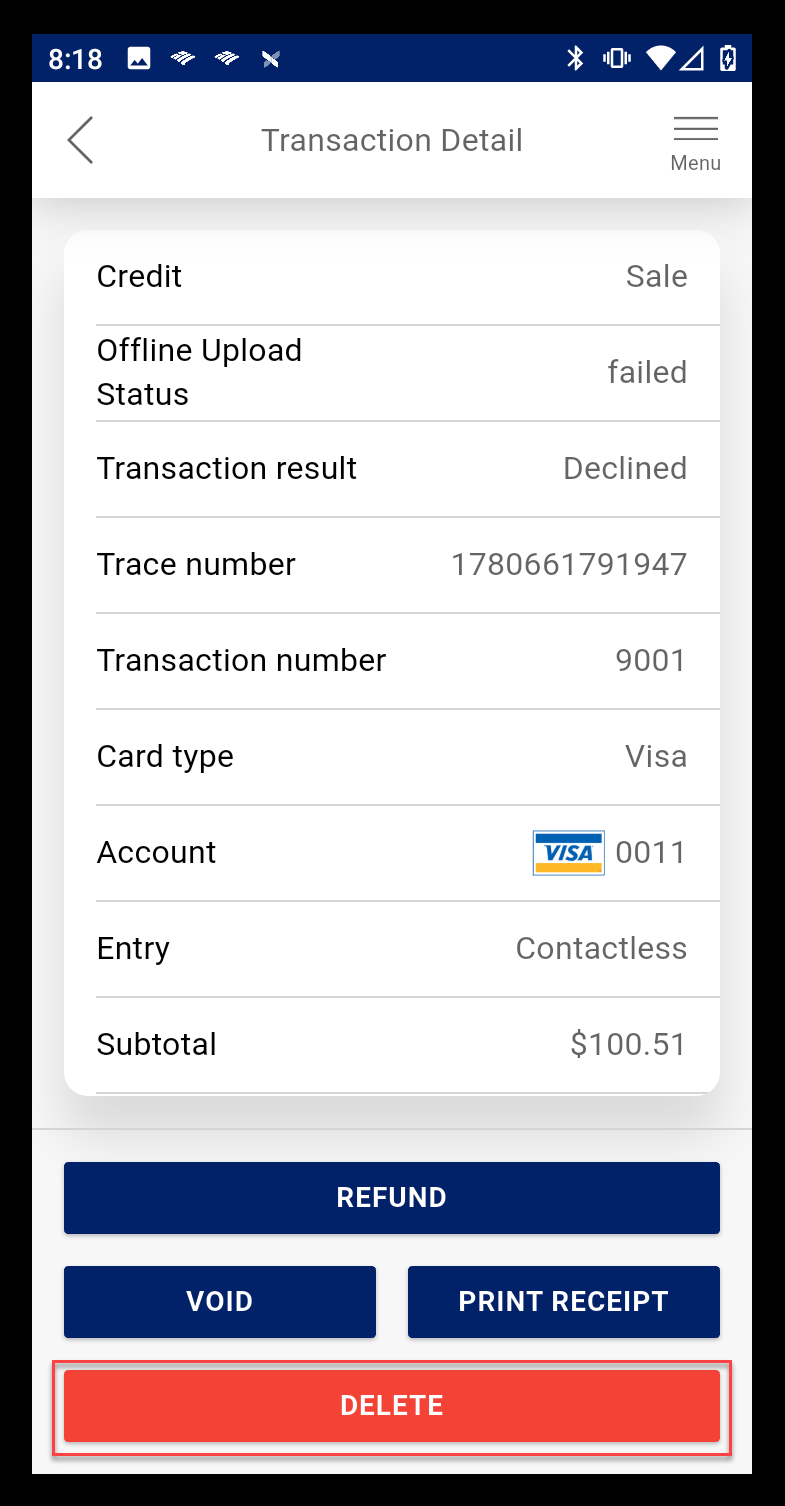
If a transaction fails to upload, it must be deleted and you will need to contact the customer for alternative payment.
Offline Mode
To switch to offline mode
- When prompted to enable Offline Mode, select the checkbox to confirm that you understand the risks.
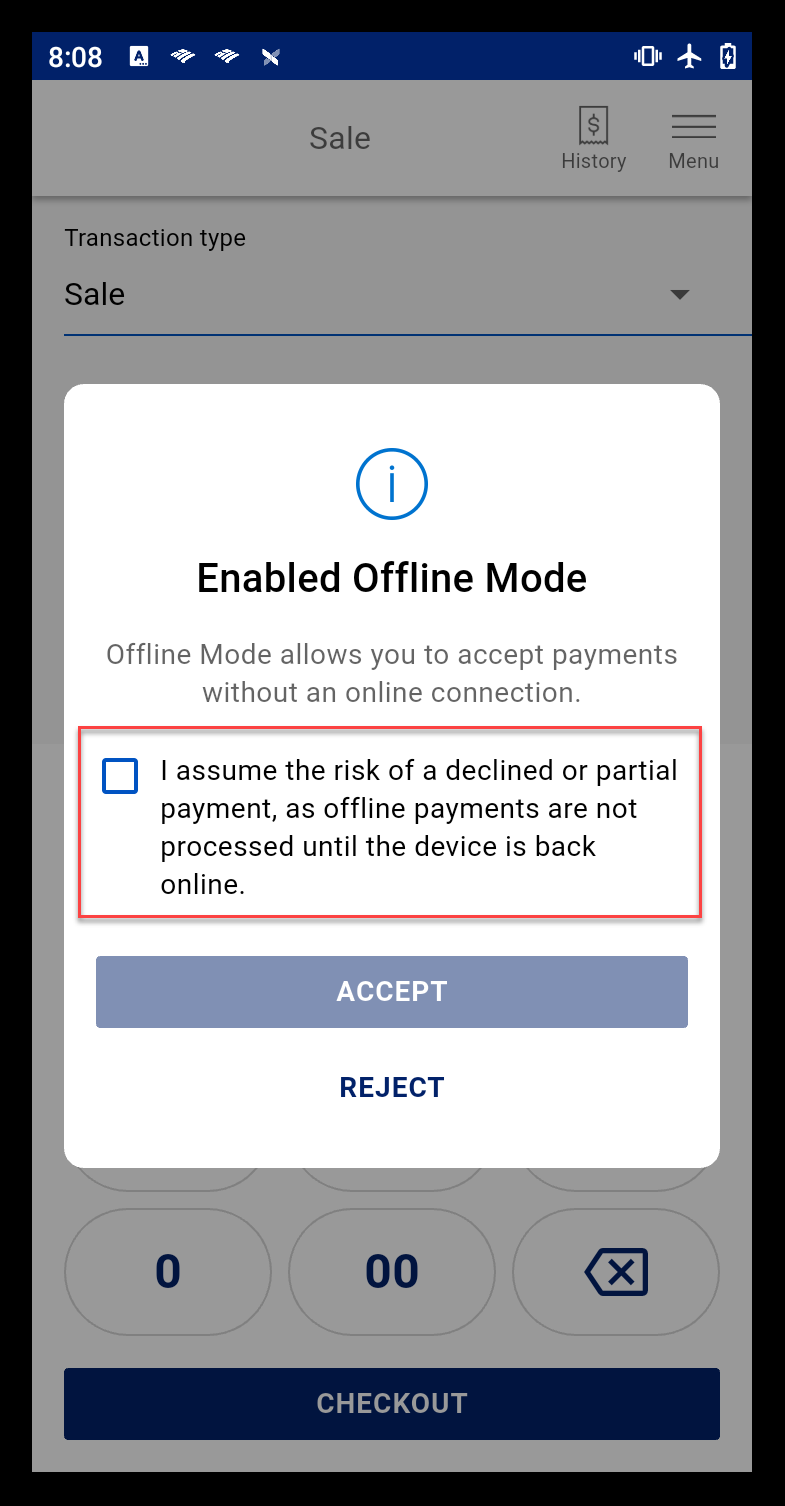
- Tap Accept.
NOTE: If you choose to Reject Offline Mode, transaction processing won't be available until connection is restored. "No Internet" appears on your display.
- Tap Dismiss to take payments in offline mode.
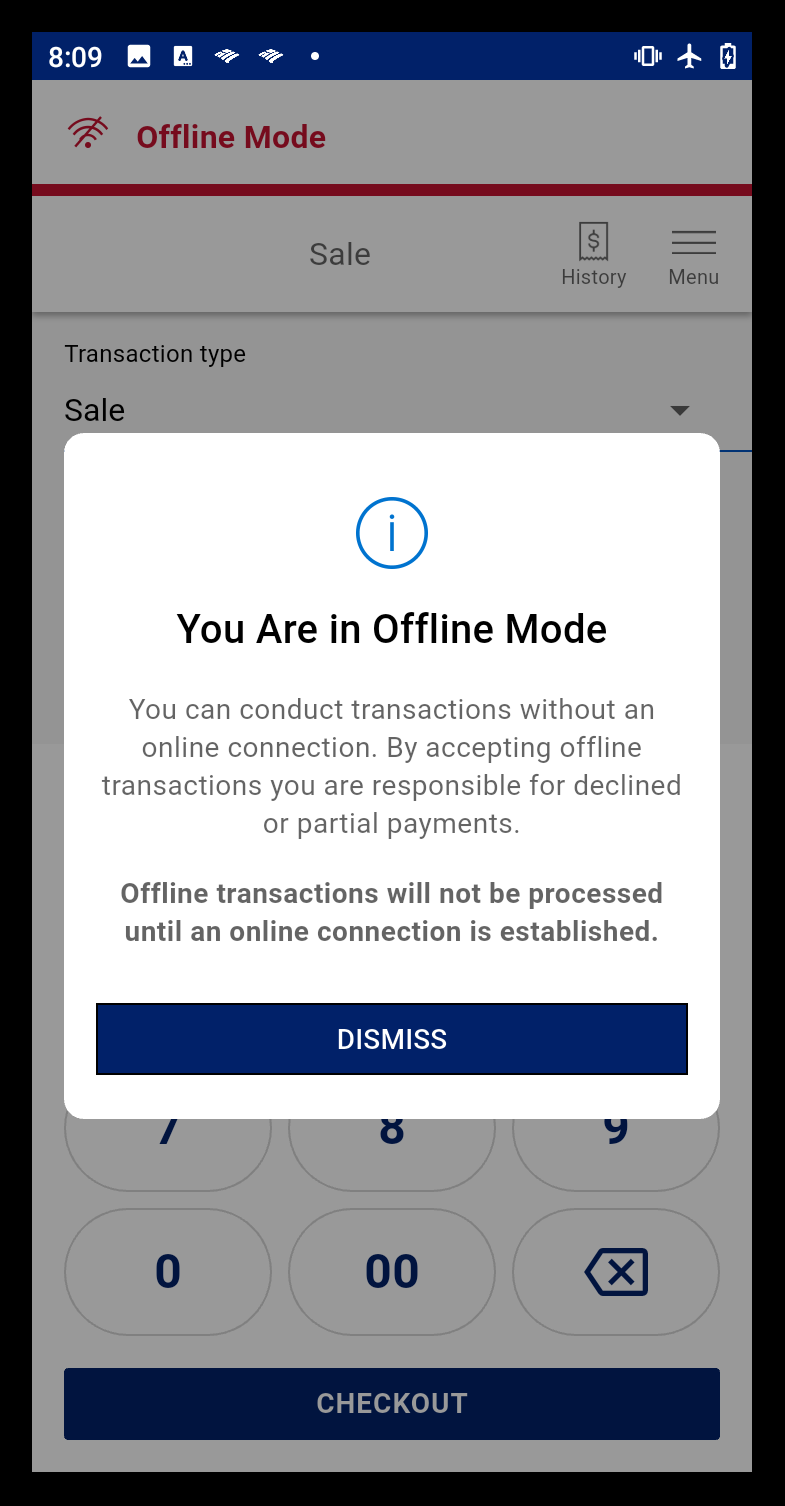
- While taking payments, the Offline Mode indicator displays.
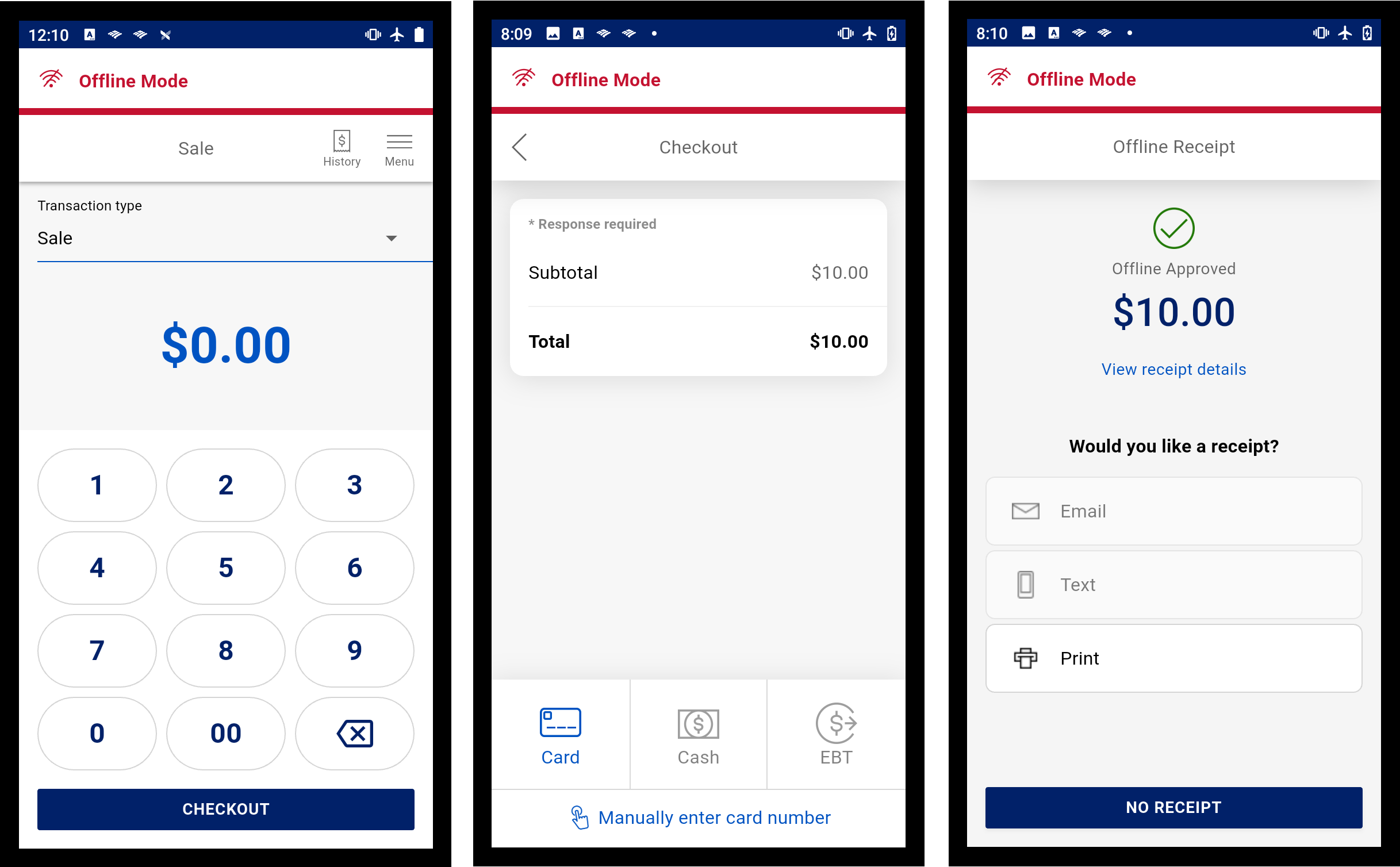
IMPORTANT! Credit cards that require a PIN cannot be processed in Offline Mode. A PIN not available receipt will print.
- When Wi-Fi access is restored, the offline mode switches to normal operation.
- Upload the offline transactions. You can view offline transactions in Transaction History.
Offline upload
When connection is restored, upload the transactions that you processed offline.
To upload offline transactions when service is restored
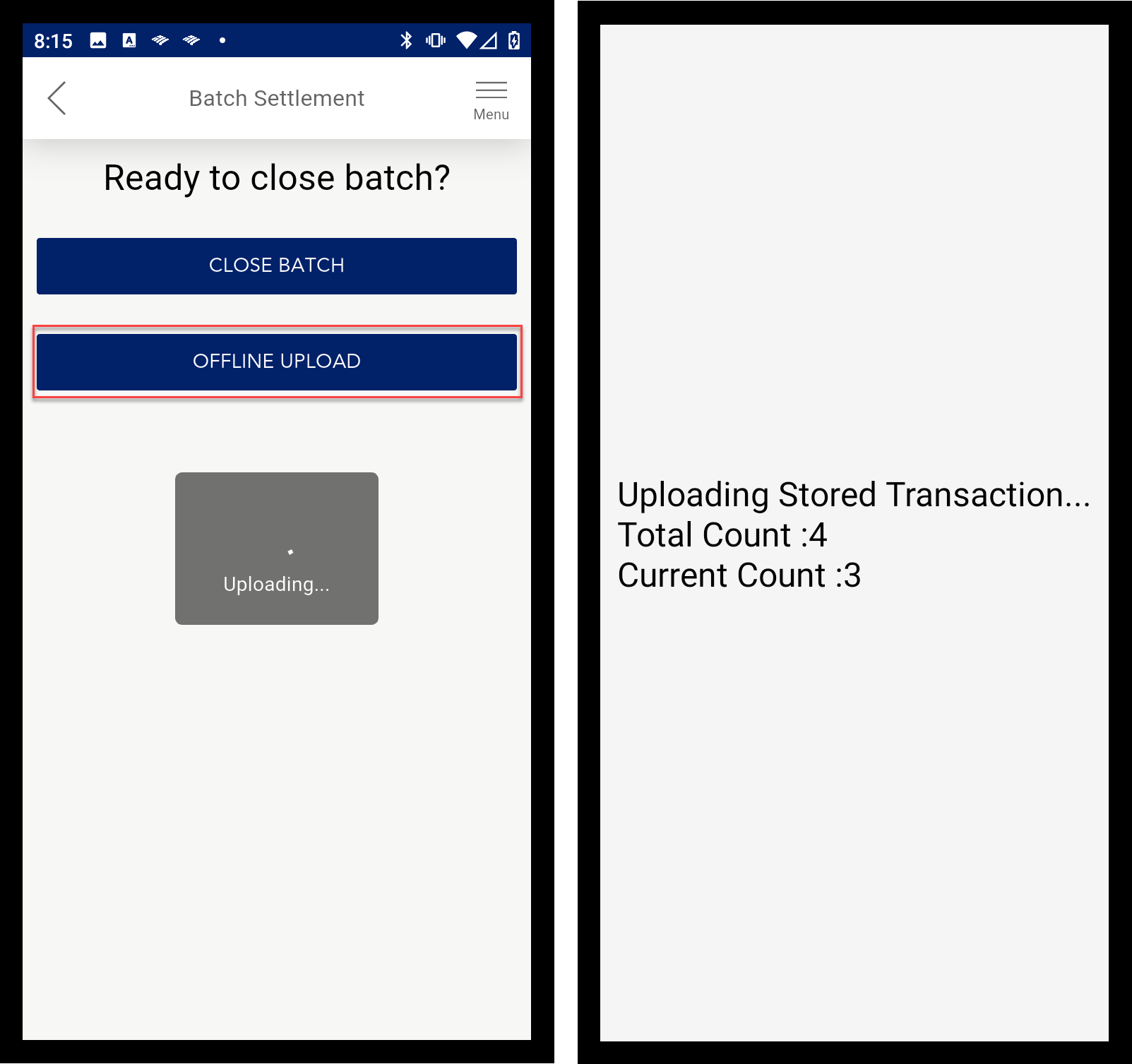
- Tap Menu > Batch Settlement.
- Tap Offline Upload. The transactions will begin loading and authorizing. As the transactions process, each transaction will produce a receipt with the result.
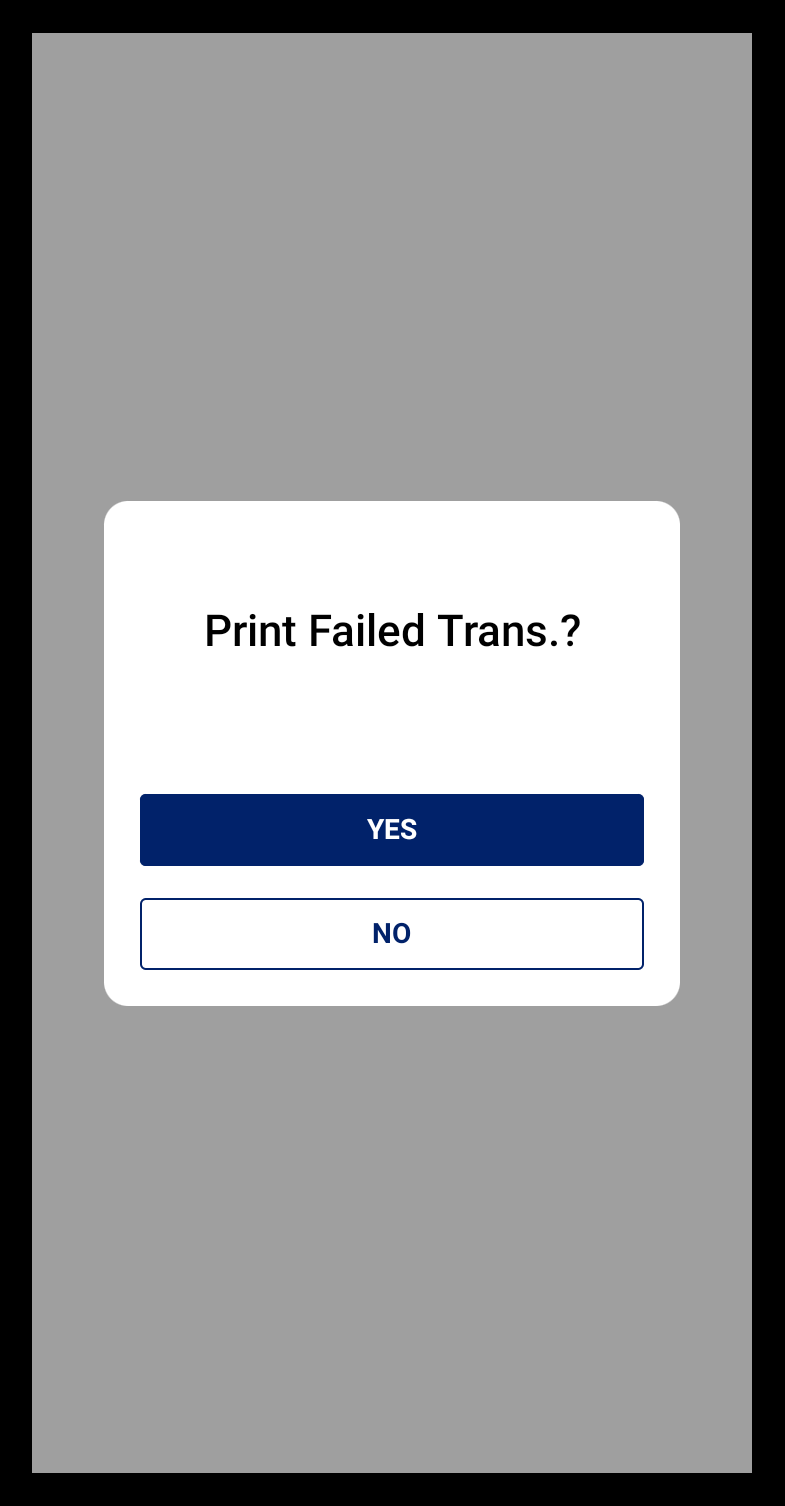
- If a transaction upload fails or the transaction is declined, tap Yes print the failed transactions report.
- From Transaction History, search for and delete the failed transactions. You will need to contact the customer to obtain an alternate form of payment.