Peripheral Specifications for Point of Sale Solution
September 3, 2026
Description
Specifications for peripherals used with Point of Sale Solution
Software Plan: Starter | Growth | Pro
Card Reader D135
The Card Reader D135 is a Bluetooth® card reader used with the Station L1400 to take a credit card payment. Learn how to set up your Card Reader D135.

D135 specifications and descriptions| Specification | Description |
|---|
| Accessories | USB-A to USB-C charging cable
Optional charging base |
| Communication | Bluetooth |
| PCI - PTS compliance level | Level 5.x |
| Power | Fully charged in 2.5 hours with no use during that time.
Uses USB-A to USB-C charging cable.
Single charge life is dependent on storage conditions, temperature, humidity, and charging habits.
Estimated usage for a single charge:
· Continuous transactions: 6 – 8 hours
· Standby: 46 hours
· Sleep or powered off: 53 hours |
Size
(length x width x height) | 12.7 x 66.0 x 66.0 mm
(0.5 x 2.6 x 2.6") |
| Weight | 1.02 kg
(2.24 oz.) |
Cash Drawer
You can add a cash drawer to your Point of Sale solution. The Cash Drawer is reinforced for strength and may be locked with a single key. The interior includes slots for US bills and coin slots. Learn how to setup your cash drawer.

| Specification | Description |
|---|
Cash Drawer specifications and descriptions | Accessories | Cash till with slots for US bills and coins
Labeled cash drawer cable
Key to lock the drawer |
| Drawer | Reinforced drawer with a load capacity of 66 lbs.
Roller wheel suspension |
| Communication | Cash drawer cable |
| Keylock | Front center for easy manual release |
| Power requirement | 24V solenoid |
Size
(length x width x height) | 348.0 × 404.0 × 109.2 mm
(13.7 x 15.9 x 4.3") |
| Weight | 6.2 kg
(13.6 lbs.) |
Countertop Barcode Scanner BSH-20B
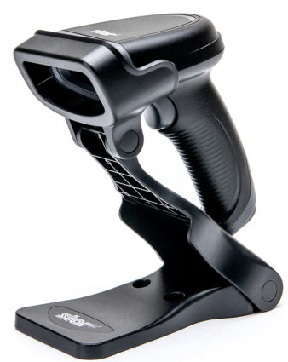
The Countertop Barcode Scanner BSH-20B is compatible with the Station L1400, Mini Station A3700P and the Tablet A3700 and reads both 1D and 2D barcodes by capturing the barcode image. The scanner can read mainstream 1D barcodes, standard 2D barcodes (all versions of PDF417, QR Code M1/M2/Micro and Data Matrix) and GS1-DataBarTM (RSS) barcodes. This scanner can read barcodes on paper, plastic cards, an LCD screen and other mediums. Learn how to set up your Countertop Barcode Scanner.
| Specification | Description |
|---|
Countertop Barcode Scanner specifications and descriptions | Accessories | Smart scanner stand
USB dongle
Charging cable |
| Scanner | Reads both 1D and 2D barcodes |
| Communication | Bluetooth 5.0 or USB dongle (included)
Bluetooth: ≤50m (164 ft) communication distance (direct line of sight in open air)
Synchronous mode, automatic batch mode, and manual batch mode |
| Power | 2400 mAh lithium-ion battery
12 hours of continuous battery use
5.5 hours expected charge time (with power adapter) |
Size
(length x width x height) | 144 x 103 x 69 mm
(5.6 x 4.0 x 2.7") |
| Weight | 177g
(6.3 oz.) |
Handheld Barcode Scanner T3320
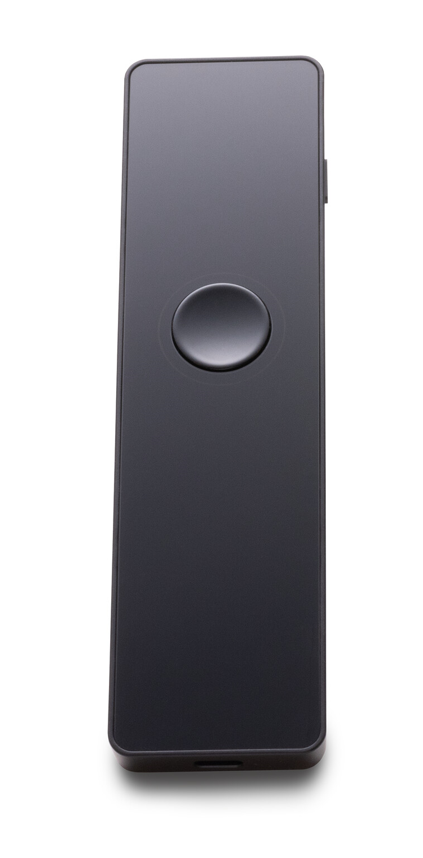
The Handheld Barcode Scanner T3320 is a handheld laser scanner that scans quickly and accurately. It can connect to your Station L1400 or Mini Station A3700P through USB cable to the Communication Hub or connect via Bluetooth. Learn how to set up your Handheld Barcode Scanner T3320.
| Specification | Description |
|---|
Handheld Barcode Scanner specifications and descriptions | Accessories | Charging cable |
| Camera | 0.3MP |
| Communication | Bluetooth® 4.2 |
| Power | USB-A to USB-C cable
Battery: 900mAh |
Size
(length x width x height) | 155.6 mm × 41.3 mm × 28.6 mm
(6.1 x 1.6 x 1.1") |
| Weight | 101 g
(3.56 oz.) |
Kitchen Display Solution (KDS)
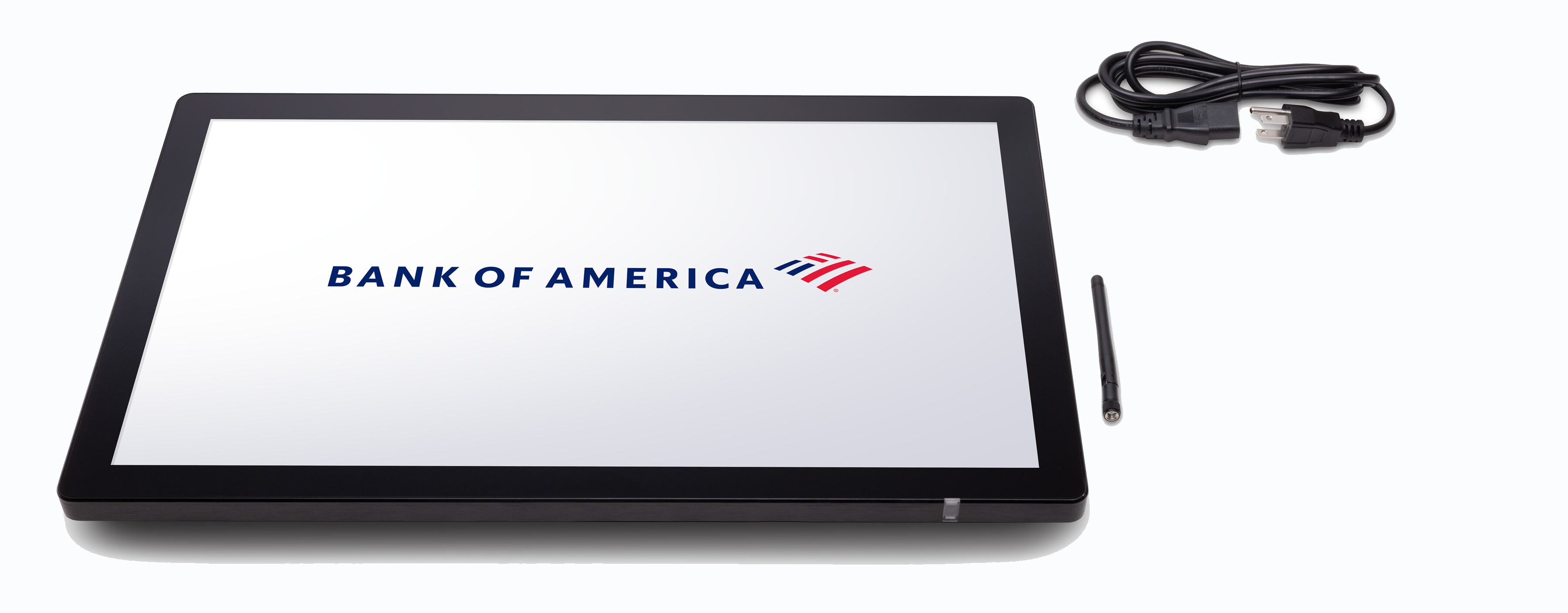
The Kitchen Display Solution (KDS) integrates with your Point of Sale Solution to display order details to your kitchen staff. Instead of using a printer or handwritten chits, item orders are sent to the KDS so kitchen staff have full details for the items to prepare. The Kitchen Display Solution includes two kitchen display screen model options: the K2160 and the K2220. Learn how to set up your Kitchen Display Solution.
| Specification | Description |
|---|
Kitchen Display Solution specifications and descriptions | Accessories | Power cable, external antenna, and backup screws. Optional table or wall mounts available. |
| Communication | LAN 100M/POE (optional)/WiFi 2.4 GHZ/Bluetooth 5.0 |
| Certification | IP55/FCC/IC/UL/BQB/CE/UKCA/RoHS |
| Display | K2160 - 16"
K2220 - 22"
Multi-touch, anti-fingerprint coating, supports wet and gloved hands |
| Power | 100-240V~50/50Hz 2A, built-in power, output 12V DC, 3.0A |
Size
(length x width x height) | K2160 - 376.4 x 236.4 x 17mm (14.8 x 9.3 x .66")
K2220 - 508.4 x 305 x 17mm (20 x 12 x .66") |
| Weight | K2160 - 2.6 kg (5.7 lbs.)
K2220 - 4.65 kg (10.3 lbs.) |
Kitchen Impact Printer SP700
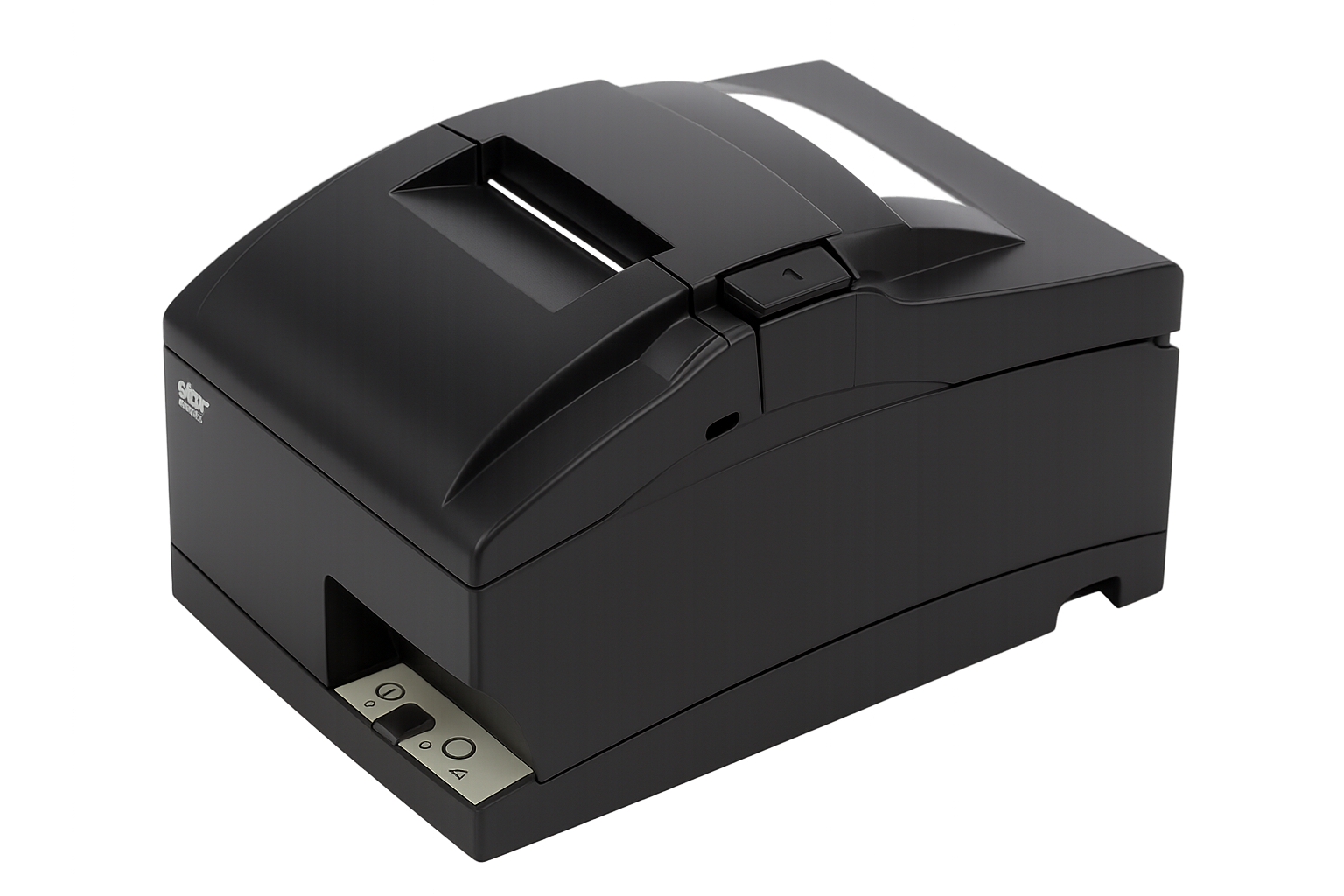
The Kitchen Impact Printer SP700 is an optional external printer suited for hot or humid environments and uses an ink cartridge to print. Learn how to set up your Kitchen Impact Printer SP700.
Update this
| Specification | Description |
|---|
Kitchen Impact Printer specifications descriptions | Accessories | Power adapter, 6' power cord, two-color ink ribbon cartridge, Ethernet cable |
| Communication | Ethernet |
| Power | 110 to 230 VAC |
| Printing | Two-color ink ribbon cartridge
4.7LPS (13 receipts per minute)
Paper cutter |
| Paper | 76 mm |
Size
(length x width x height) | 147 mm x D: 213 mm x 148 mm
(5.8 x 8.4 x 5.8") |
| Weight | 1.75 kg
(3.9 lbs.) |
PIN Pad A35
The PIN Pad A35 is a customer-facing PIN pad designed to integrate with the Hybrid A800 as a PIN entry device or Station L1400 to provide a dedicated payment screen for customers. Learn how to set up your PIN Pad A35.
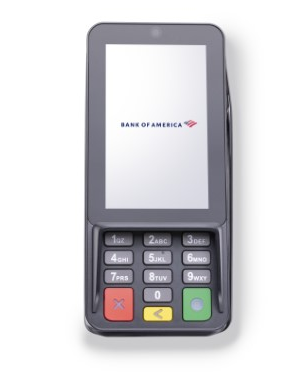
| Specification | Description |
|---|
PIN Pad A35 specifications and descriptions | Accessories | Standard USB power cable, power adapter, back plate, required screws, screwdriver |
| Camera | 0.3MP fixed focus, front-facing |
| Certifications | PCI PTS 6.x, SRED | EMV L1 & L2 | EMV Contactless L1 | Visa payWave |
MasterCard Contactless | UPI qUICS | Amex ExpressPay | Discover D-PAS |
JCB J/Speedy | Interac Flash | MasterCard TQM | UL | FCC | IC | CE | RoHs |
| Communication | RS232 | Ethernet | USB 2.0 Wi-Fi® (2.4GHz & 5GHz ) + Bluetooth® (4.2/5.0) |
| Display | 4'' WVGA 480 x 800 pixels, capacitive touch screen |
| Power | Input: 100-240VAC, 50Hz/60Hz
Output: 5.0V DC, 1.0A |
Size
(length x width x height) | 163.69 x 76.90 x 30.10 mm
(6.4 x 3.0 x 1.2") |
| Weight | 260 g
(9.17 oz.) |
Thermal Printer T3180
The Thermal Printer T3180 is an external printer for the Point of Sale Solution. The Thermal Printer T3180 is compatible with the Tablet A3700, Mini Station A3700P, and the Station L1400. Learn how to set up your Thermal Printer T3180. This printer supports English language printing only.
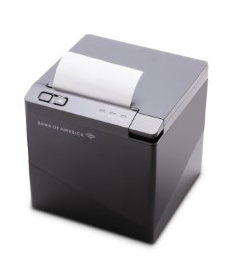
| Specification | Description |
|---|
Thermal Printer T3180 specifications and descriptions | Accessories | Power adapter and 6" power cord, 5' USB cable |
| Communication | Wi-Fi® 2.4GHz | Bluetooth® 5.2 |
| Power | Input: 100~240V AC, 50Hz / 60Hz
Output: 24V DC, 2A |
| Printing | 203dpi | 260mm/s MAX | 80mm Width |
| Paper | Paper thickness: 0.056~0.13mm
Roll paper diameter: 83 mm MAX |
Size
(length x width x height) | 134 x 133.8 x 136.8 mm
(5.3 x 5.3 x 5.4") |
| Weight | 1.3 kg
(2.92 lbs.) |